
 Home
Home
 Weddings
 Ideas
Ideas
 Advice
 Suppliers
The Whole Works
The Whole Works

By Louise Baltruschat Hollis
Sponsored Post
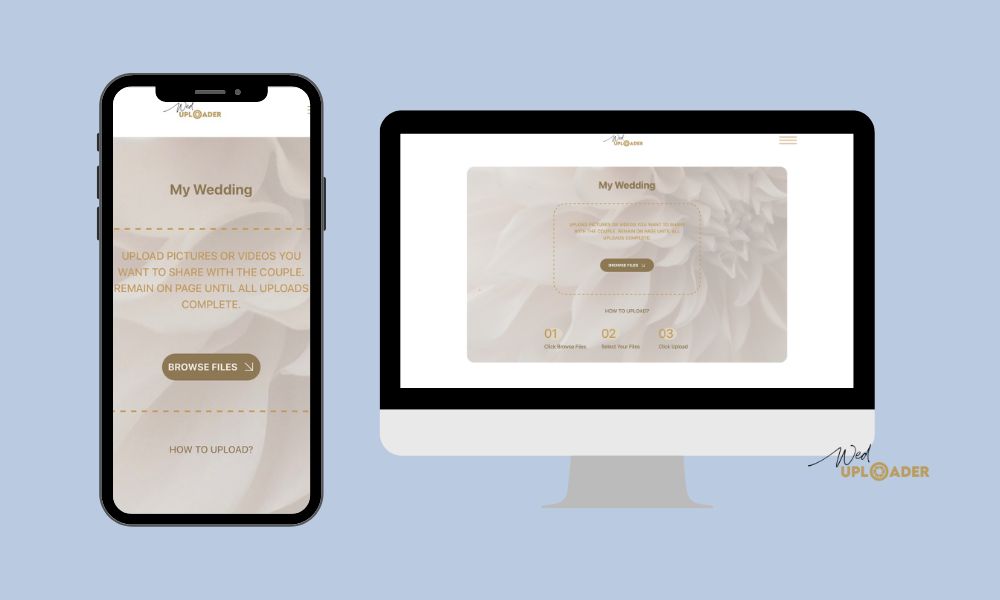
You may have a professional wedding photographer at hand to snap your wedding in all its glory. But, how about collecting your guest’s wedding photos and videos? Just how do you access those and give them somewhere to upload images? And for free?
Social media is not always the best option to rely on gathering images from your guests as it’s tricky to download them. Plus your wedding guests may be reluctant to share all their images online publicly. But, there is another way! And it’s called WedUploader. Hooah!
Did I mention, it’s free to upload wedding photos to WedUploader? Yep, it costs absolutely nada, and it’s so very simple to use. That means your guests will be keener to use this clever app and there will be less chance of any technical hitches.
You and your guests don’t even need to download an app! It’s all usable from your browser so no need to take up your phone’s storage or spend ages waiting for an app to download.
I’m going to show you step-by-step just how to use WedUploader. From setting up your account, right through to how to encourage your guests to upload their photos and videos post-wedding. Or even during your wedding reception itself. Yes!
Head on over to WedUploader and sign up with a free account. You’ll need a Google account as WedUploader will need access to your Google Drive. It’s so easy to sign up and you simply use your Google login details.
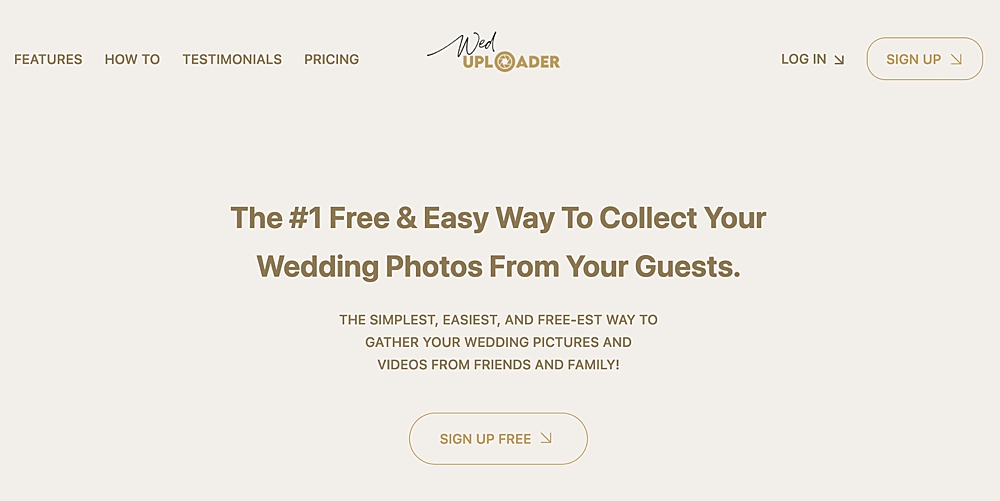
Once you are all signed up, you’ll be sent to your unique photo-sharing dashboard. From here you can add a background image to use on all your wedding image-sharing pages.
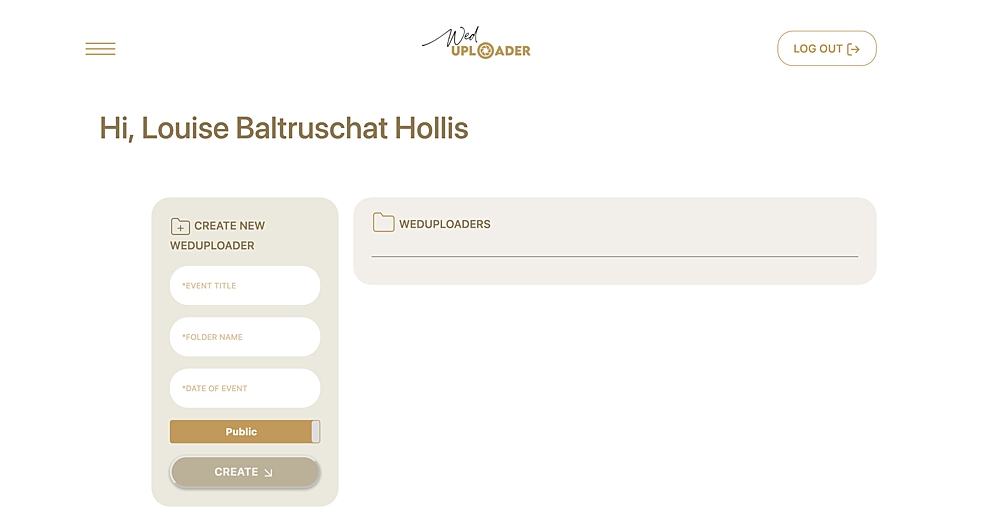
Firstly though, you’re going to want to create a new WedUploader folder. You can have unlimited folders for limitless unique photo albums.
For example, you could have a folder (album) for your:
In fact, you can actually use WedUploader for non-wedding occasions and events too! Win-win. As you can see below, using the box on the left, I have created a wedding flowers album. From here you can alter your settings.
Be sure to add your names or wedding date to the folder name so guests can be sure they know they are in the right place.
Some of the settings are for the premium version only. The premium features for a one-off fee include:
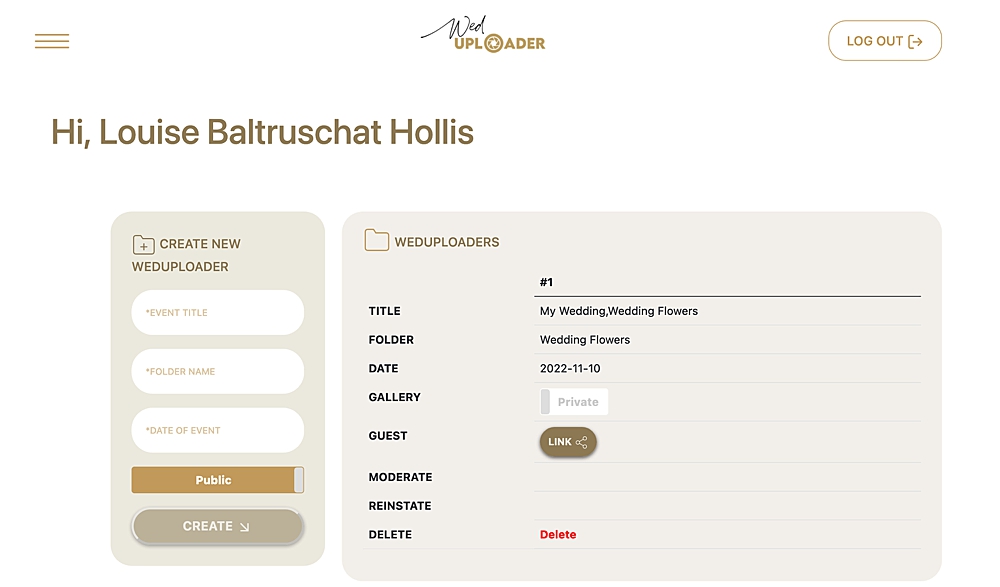
So, now you have your album set up and your chosen settings. It’s now time to share your photo and video sharing link with your wedding guests.
Firstly, if you wish to have a snappier and more memorable link, you can create your own. Here’s how:
This is how your unique link page will look to your guests (without the gallery option enabled)…
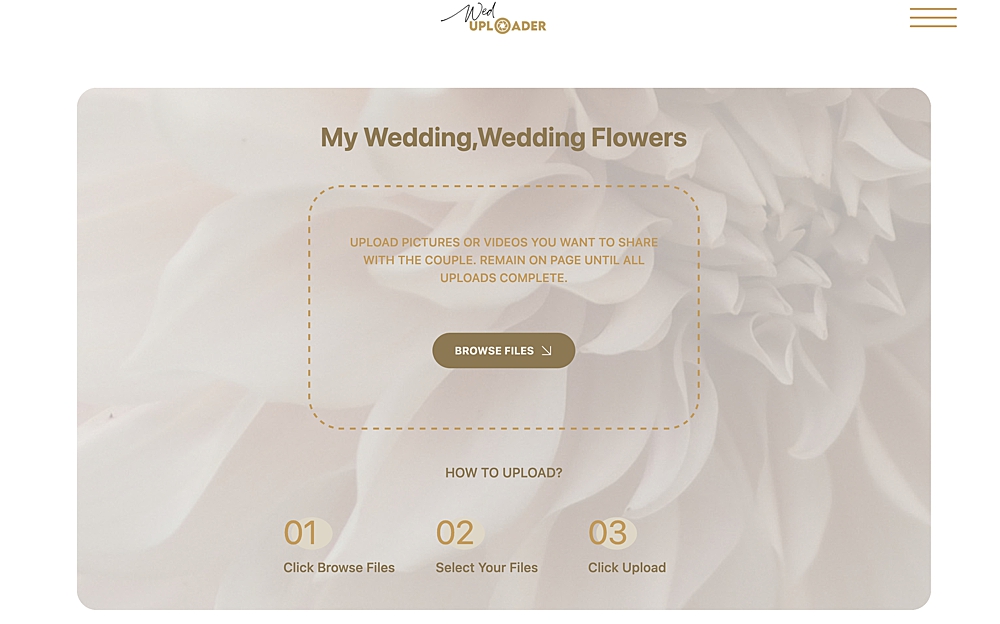
Where should you share your album link and QR code I hear you ask? Well, there are several options.
Before the wedding day itself, you could add your unique WedUploader link to your wedding invitations from the outset. Adding the link to your wedding website is great option too, as you can provide further instructions or details on how to upload your wedding photos too. Be sure to ask guests to save the link in their browser for easy access!
On your wedding or pre-wedding event day, use signs! Pop the QR code on wedding signs around your ceremony and reception venue. The QR code is a great option as it’s quick and simple for guests. No need to type, just snap! Think about using signs with the link or QR code in areas where guests are likely to take photos.
For instance, add the QR code to your order of service booklet or on the sign at your wedding photo booth. That way the photo-sharing app will be fresh in their minds at the time.
Post-wedding, pop the URL or QR code on your social media channels. Alternatively, add the link to your wedding thank you cards. That way any guests that haven’t had time will get a friendly reminder to take part.
When guests reach your gallery page on mobile or desktop, all they need to do is browse files and select. Before clicking on upload. They can upload unlimited images and videos, however, the amount you can store depends on your Google Drive storage capacity. You get up to 15 GB free so you should have ample space. Plus images and videos will be in original quality, which means no loss in clarity or colour!
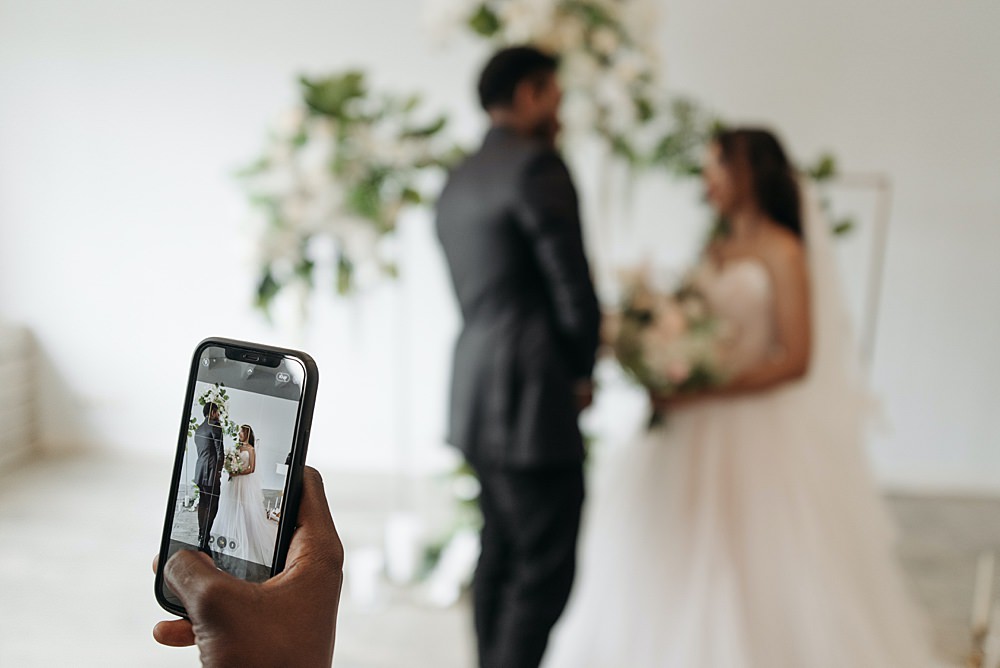
Next, you will get an email notification from WedUploader each time a guest uploads images or videos to your gallery. That way you know you have new images you can enjoy. They are now stored in your Google Drive folder too.
If you have the gallery option selected, your guests can see all the photos on your public page. Plus if you no longer want the link live on the web, simply set it back to private.
And so there we have it, the easiest way to collect your guests' wedding photos and videos. And for free! Not to mention WedUploader is fuss-free and seamless plus looks super polished and professional!

Proposed Changes to UK Marriage Laws: What You Need to Know The government has announced what it calls the biggest overhaul of marriage laws in England and Wales since the 19th century. The proposals aim to make weddings more flexible, boost the hospitality industry, and give couples more choice over where and how they marry. […]
Read More
One of the first decisions couples face when planning their wedding is whether to invite kids. Children can bring something special to the event and might even have their own roles as ring bearers or flower girls, but they also come with extra planning considerations. There’s no right or wrong answer. It’s your wedding after […]
Read MoreYou May Also Like
Explore more posts from the blog
Want In On Our Happy Wedding Letter?
Join over a thousand engaged couples (and counting) who have snagged our fun no-nonsense regular wedding advice and inspo straight to their inbox. Plus you'll get planning checklists & spreadsheets for absolutely nada.
© 2010 - 2026. Whimsical Wonderland Weddings Ltd & Wedissimo Ltd. All Rights Reserved.

Leave a Reply