
 Home
Home
 Weddings
 Ideas
Ideas
 Advice
 Suppliers
The Whole Works
The Whole Works

By Louise Baltruschat Hollis
Sponsored Post
When it comes to wedding planning it can feel like there are 101 tasks to complete. One newer option is to have your own wedding website.
It’s a really cool way to guide guests to one simple space to get all the details, which you can keep updated in real-time. Plus there are so many nifty features that wedding website builders allow to save time, wedmin and make things easier for your guests.
But, I hear you, how do you even start when it comes to building your own wedding website? I am excited to be teaming up with wedding builder experts Say I Do to share a complete guide on how to make a wedding site. Hooray!
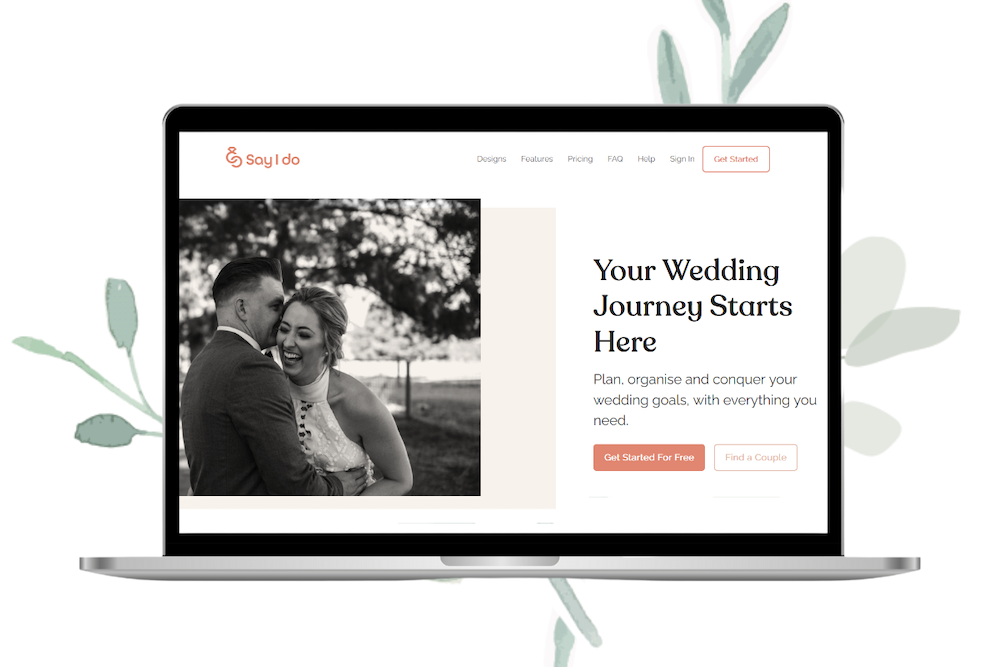
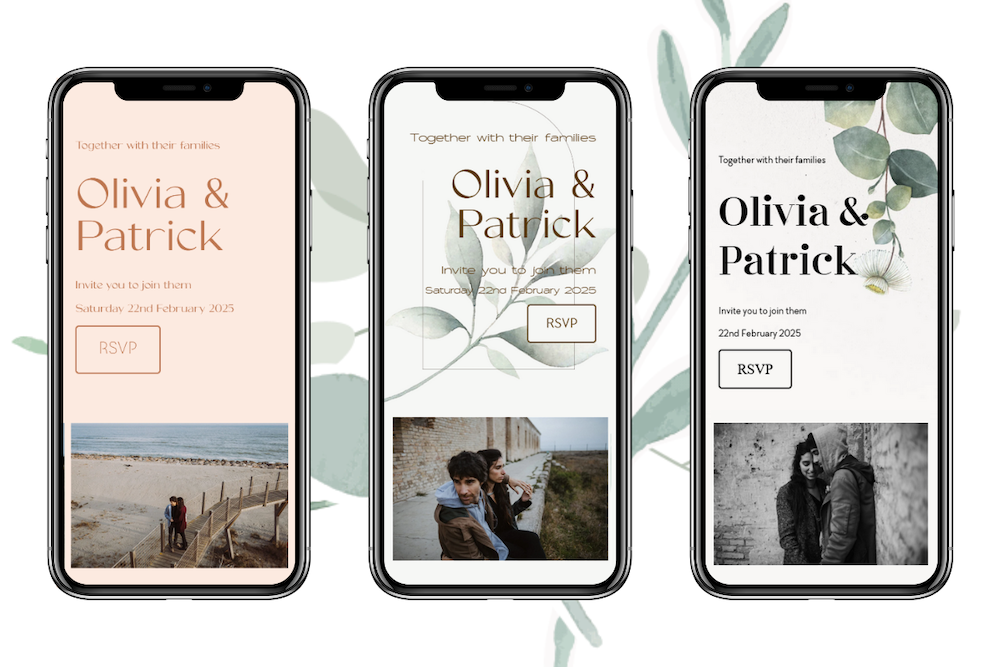
First things first, you’re going to want to choose your website platform. Many companies offer a wedding website platform, some free, some paid and some with different packages. Say I Do has four package options for couples looking to design a wedding website, including a free package if you are on a tiny budget. Isn’t that awesome?
It’s easier to go with a dedicated wedding website host as they have the setup, stylish designs and personalised features to make wedmin a breeze. Say I Do have so many benefits including:
So you can plug and play when it comes to the set-up and features of your website.
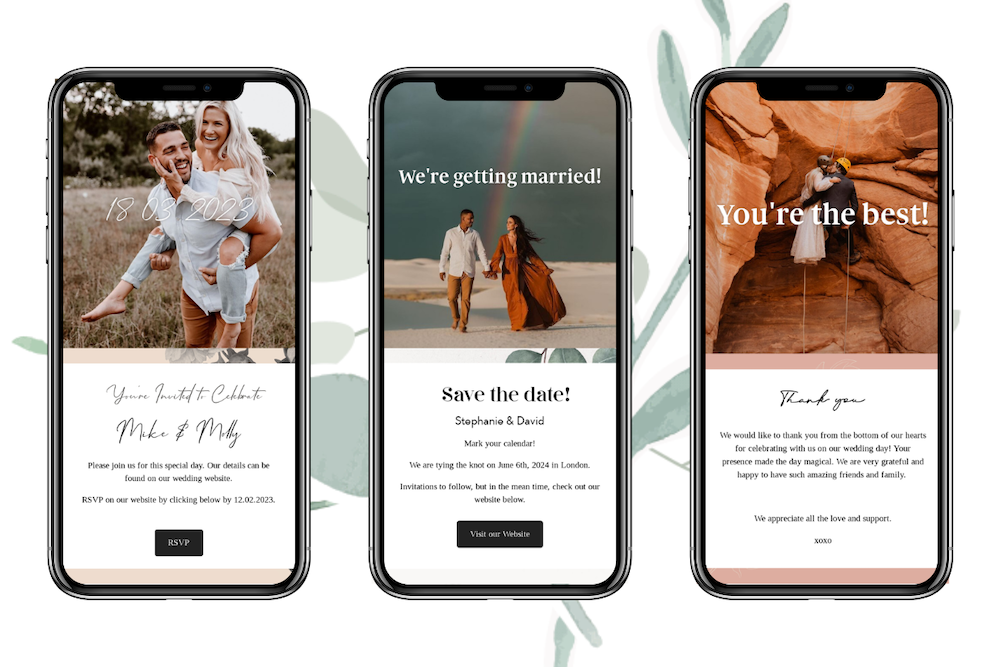
Once you have your website builder decided, choose your package and set up your account. Then you can begin creating your design. Choose a template from your builder (Say I Do have over 130 template designs to choose from!) and you can then begin customising your site.
Depending on the platform you choose you may be able to adjust the colours and fonts as well to tie in with your wedding theme. Next up, be sure to add your names, wedding date and any other key details to the home page.
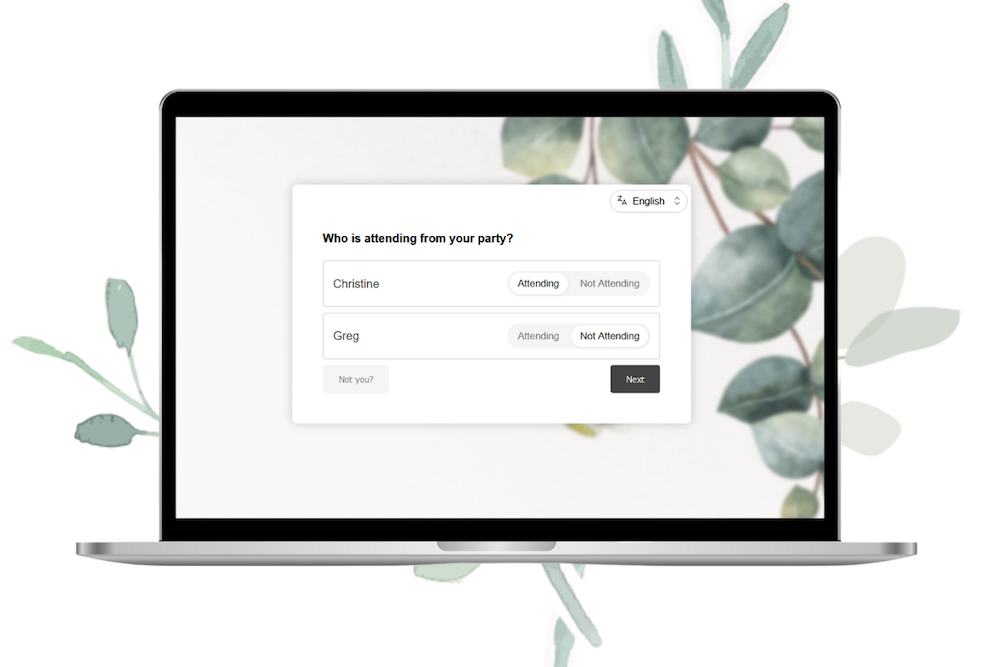
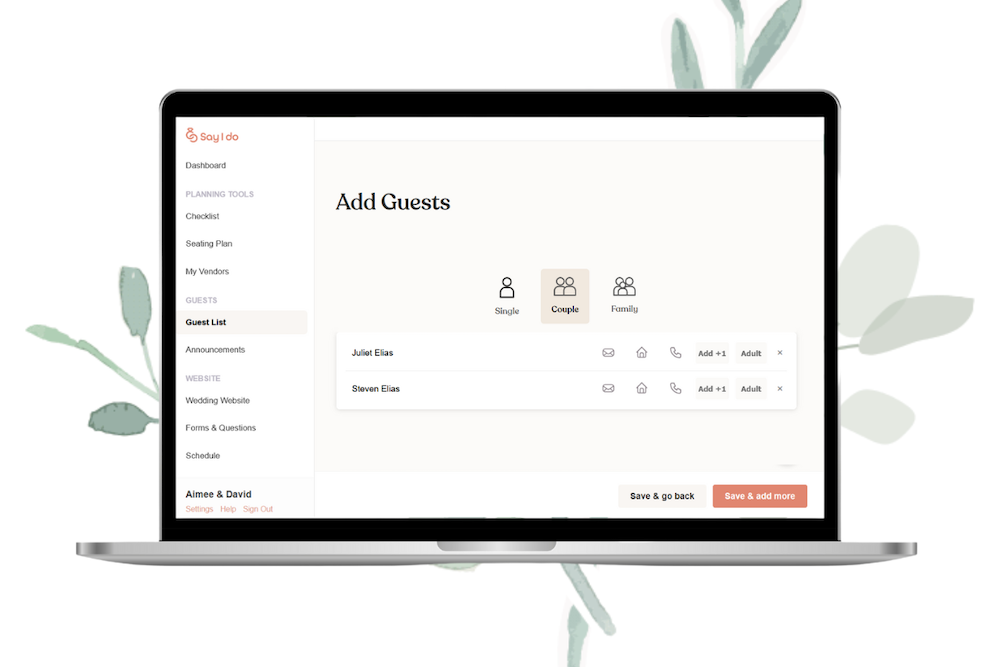
You can go overboard with too much information when it comes to making your site. So have a good think about the need-to-knows and the questions you are being asked. The great thing about a wedding website is you can send guests there to get the answers, rather than getting lots of individual messages.
You may also wish to hold some things back if you’d like a surprise or want to keep them private (in this case, consider a password-protected site).
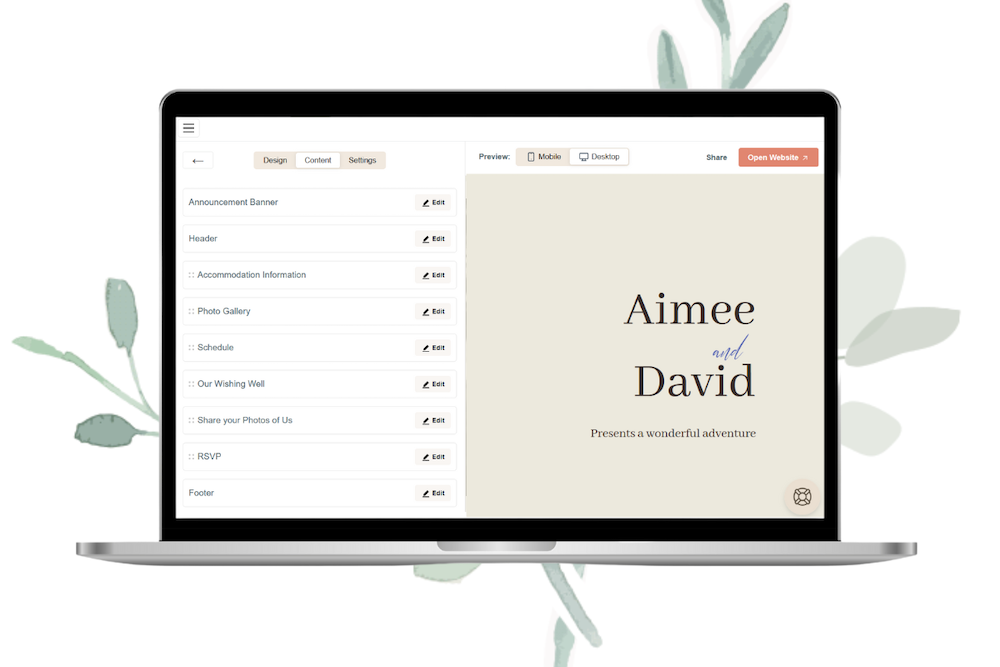
The fun part is all about personalising the experience for your guests. You want your site to be the first introduction to your wedding, the wedding style and the whole atmosphere for the event. So be sure to add photos and videos of you both (this also helps to ensure guests know they are in the right place).
Creating a custom website link is also a great idea and is something that Say I Do offers. This not only helps to uplevel the feel of your site but makes for a more memorable link for your guests to type and hit enter.
I also think it’s lovely to write about your story on your wedding website. Here’s some ideas on what to include:
Don’t worry too much about your writing style – you want your story to sound like you as a couple. Keep it light, informal, personal and filled with your personality. Be sure to check your spelling and grammar, or ask someone to proofread it if you need a hand.
It can be a task to sit down to do together and it’s a perfect date night activity to reminisce on your past. Be sure to add some old photos or footage too!
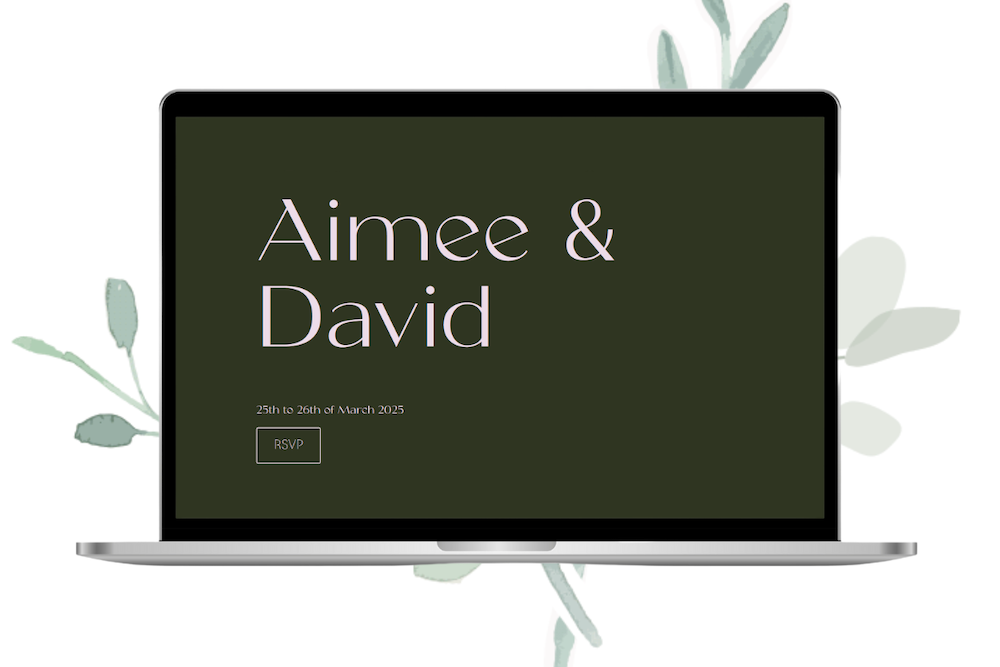
After crafting the wedding website of your dreams, it’s time to share it!
Try to have your website live before sending out your invites, that way you can add the URL to your invitations. This can then be the go-to destination for your guests when they have a burning question. Other ways to share your wedding website link:
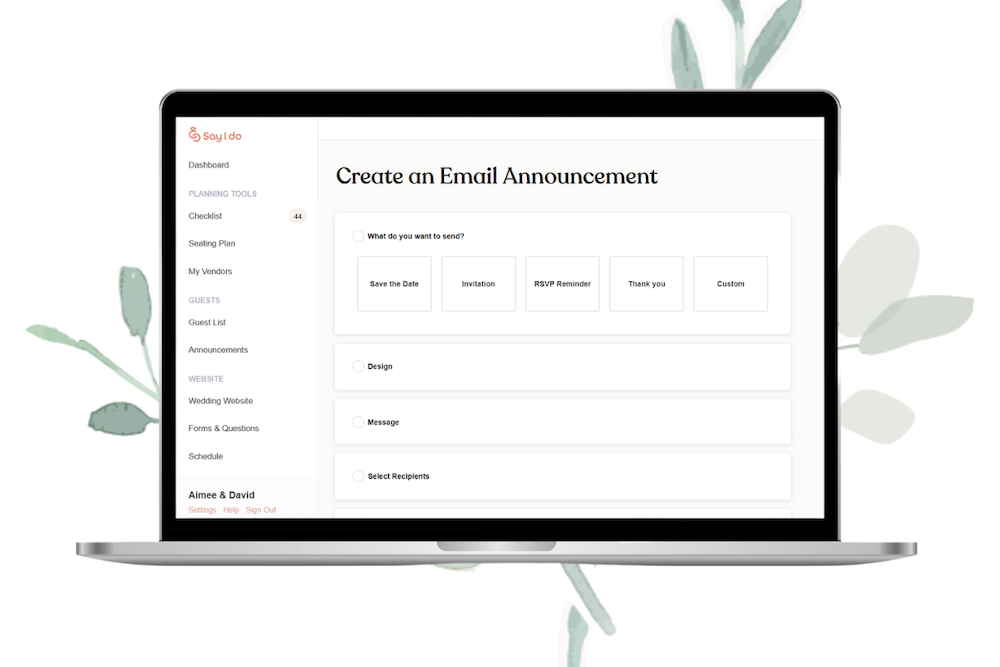
After the wedding, you may also wish to share some of your wedding photos, key messages or thank yous on your website! Say I Do can send thank you notes – isn’t that lovely?
So there you have it, just how to make your own wedding website in 4 simple steps. Now you can go ahead and start designing your site.
Wedissimo Wedding Photography Awards From inception Wedissimo has hosted annual wedding photography awards. Previous awards, with guest judges, are set out below. The 2025 wedissimo wedding photography awards The Judge this year is Millie Pilkington, who is best known for her pictures of HRH Prince & Princess of Wales and remains one of the most […]
Read More
Proposed Changes to UK Marriage Laws: What You Need to Know The government has announced what it calls the biggest overhaul of marriage laws in England and Wales since the 19th century. The proposals aim to make weddings more flexible, boost the hospitality industry, and give couples more choice over where and how they marry. […]
Read MoreYou May Also Like
Explore more posts from the blog
Want In On Our Happy Wedding Letter?
Join over a thousand engaged couples (and counting) who have snagged our fun no-nonsense regular wedding advice and inspo straight to their inbox. Plus you'll get planning checklists & spreadsheets for absolutely nada.
© 2010 - 2026. Whimsical Wonderland Weddings Ltd & Wedissimo Ltd. All Rights Reserved.

Leave a Reply