
 Home
Home
 Weddings
 Ideas
Ideas
 Advice
 Suppliers
The Whole Works
The Whole Works

By Louise Baltruschat Hollis
Sponsored Post
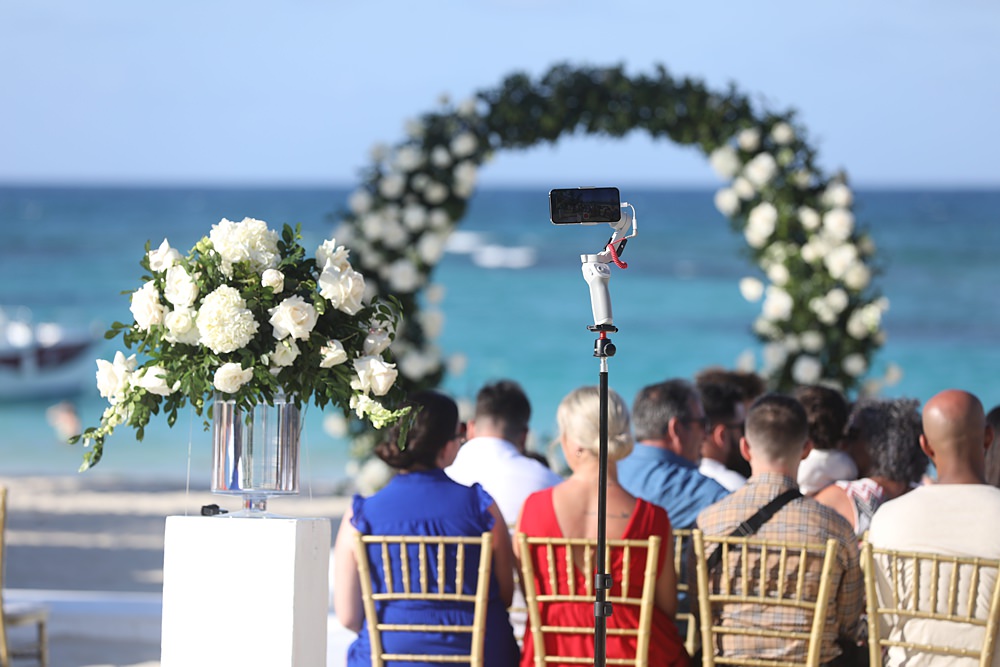
There are many reasons why you may wish to live stream your wedding, or help a loved one to set up a live wedding feed.
Perhaps you have guests that are unable to attend due to illness, or distance? Maybe you want a more intimate day that guests can still feel a part of? Whatever the reason, having a stream, live for guests who aren’t there in person, is a fantastic way to involve them. But also for you to feel the connection with those you wish to be a part of your day.
Now, there is an ingenious app that can easily help you to achieve a reliable and functional live stream. What is it I hear you ask, let me introduce you to… EventLive.
In this article, I am going to share top tips on how to set up a wedding live stream, as well as just how this brilliant and super simple app will assist along the way.
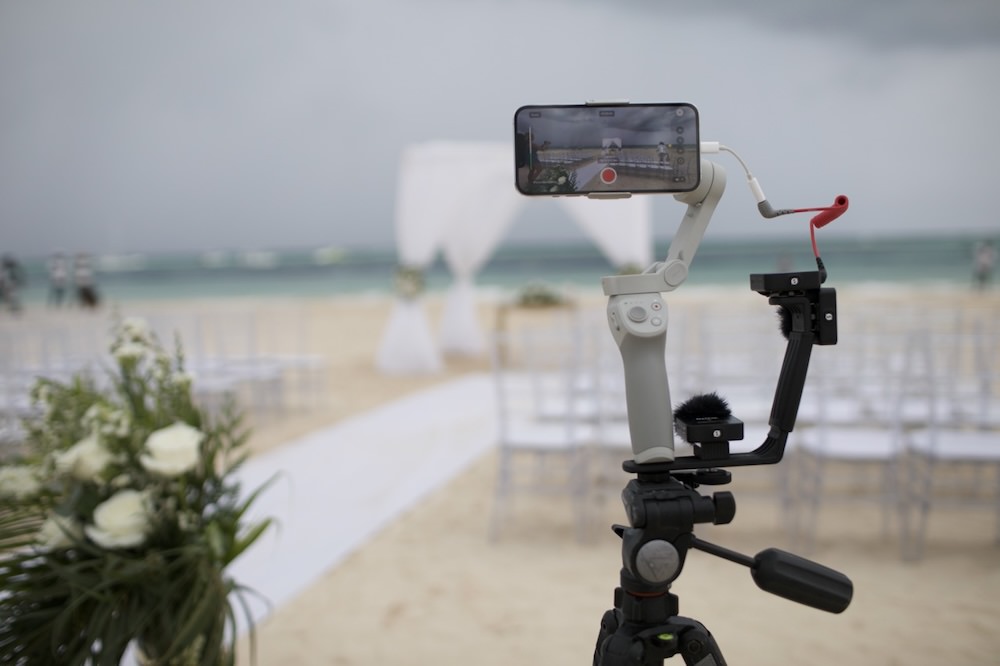
Firstly, it’s a good idea to decide how you want to stream. There are many options, which may be hard to figure out, full of faff or just plain complicated – even if they turn out to be a free option. You need to decide if you are willing to potentially risk the platform or app you choose not to deliver on the video footage.
An app such as EventLive, a dedicated live streaming app is an ideal option. The app, available on App Store and Google Play is suitable for most devices and it has hundreds of glowing reviews online. What I love though is that you can download it for absolutely free, to test and try it out before your wedding. So until you are happy there is no initial investment and there is nothing to lose.

Here is the full feature list for EventLive:
What’s more, guests don’t need to download the app to watch the live stream – only the device hosting the stream needs the app. This makes it oh-so-easy for your loved ones to tune in. Yes! And how lovely for guests watching virtually to be able to chat together and feel together in their online experience also.
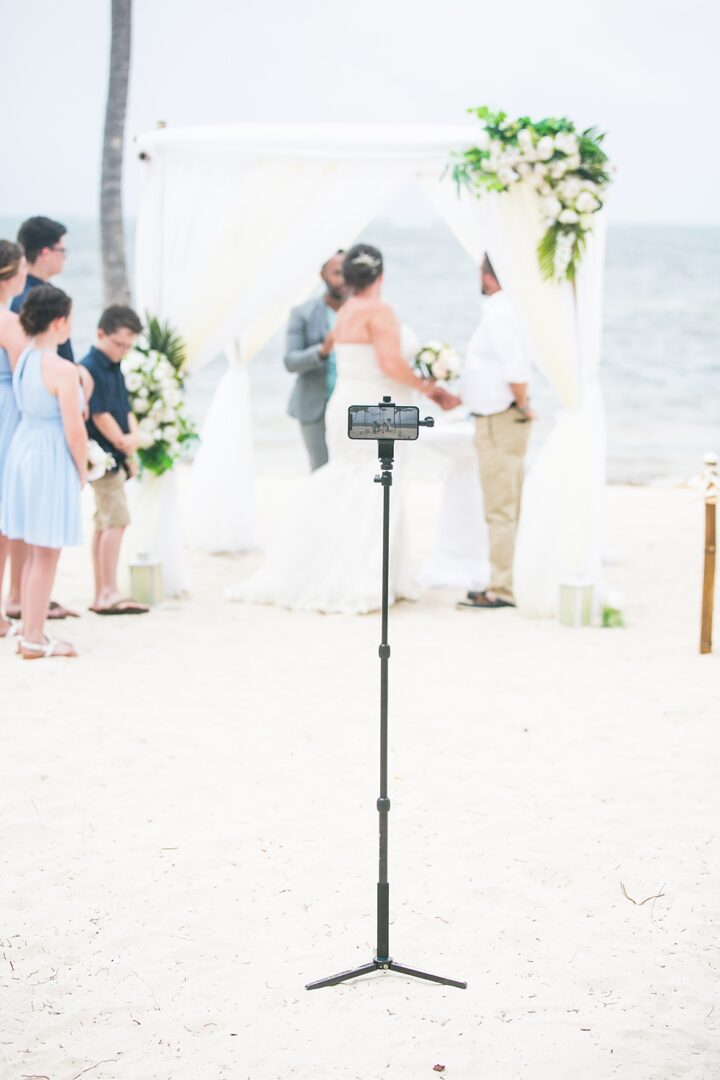
The best way to stream your event is with a device with Wifi/4G/5G capabilities. And the easiest way to do this is with a tablet or smartphone. There is no need to fork out hundreds on a professional kit. Simply use an up-to-date device you already own, that’s reliable and is compatible with an app such as EventLive.
It’s a good idea to choose a stand or gimbal to ensure a steady picture. A gimbal is ideal if you’d like non-wobbly footage to capture each element of the ceremony. Perhaps an angle of the wedding party members walking down the aisle and another of the guests in attendance too as you move the device around?
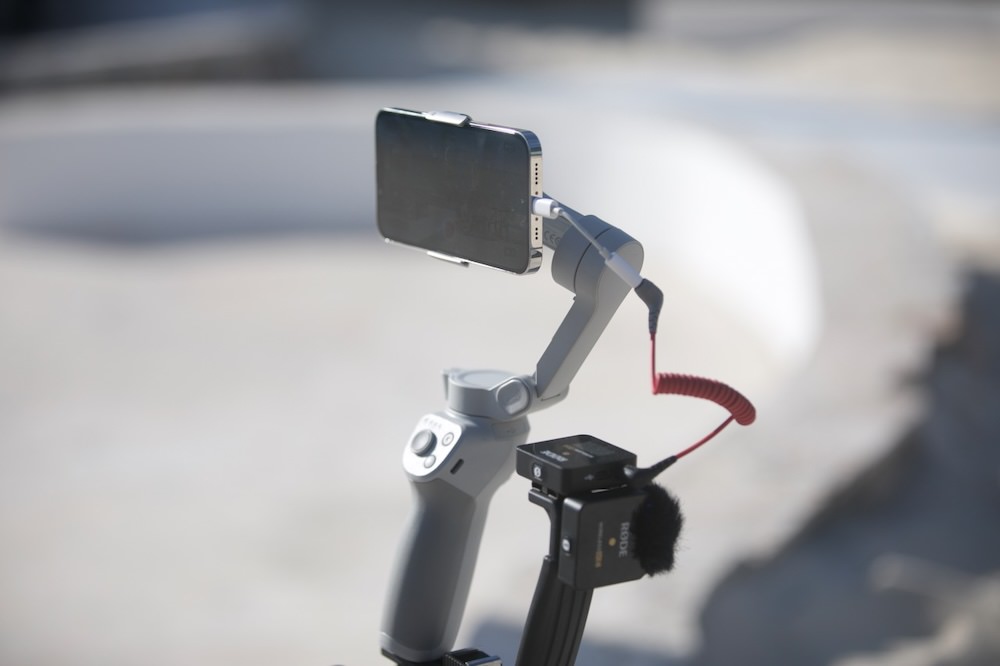
If the ceremony is in the dark, consider lighting, if it’s raining and your ceremony is outdoors, perhaps you could use a covered area/parasol to place the device under. Don’t forget battery life! Can you charge your device as it’s filming? Or perhaps a power bank would be useful.
For extra special audio, could a microphone be used, especially for the couple?
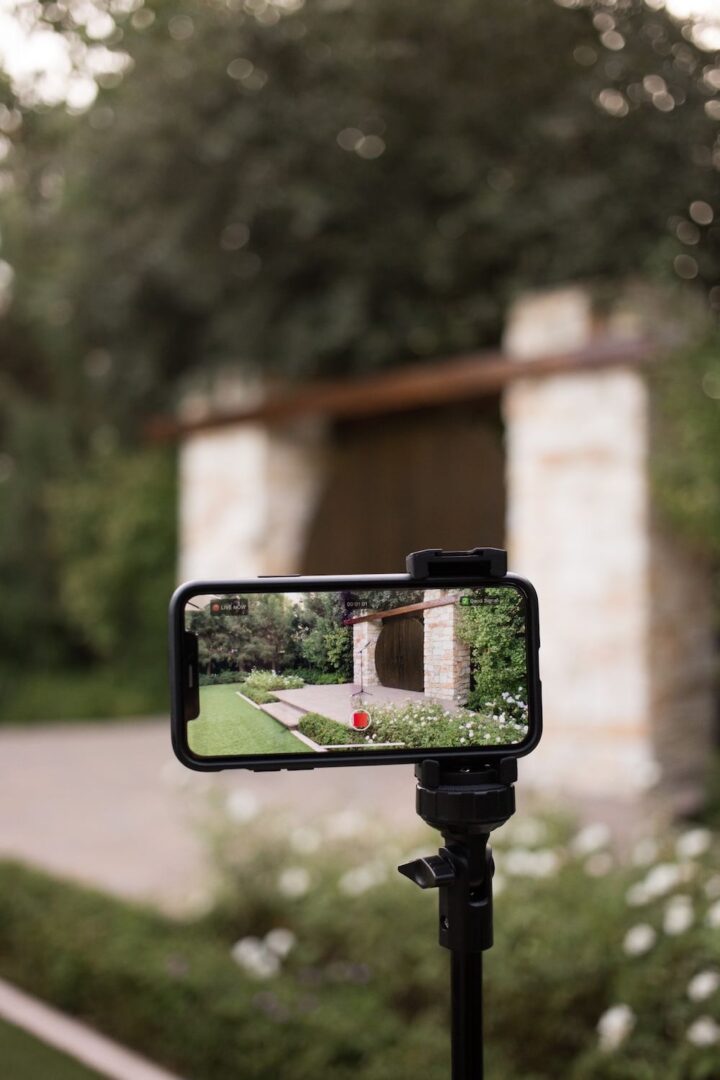
EventLive has created this thorough and very helpful how-to video that’s well worth watching too on how to set up on the day itself.
Next up, is to ask someone to set up the live feed for your wedding and ask them to take care of it all. The last thing you want, on your wedding day is to be flapping around setting up filming and checking all is working smoothly.
Ask a family member/friend, who doesn’t have any other key responsibilities or roles during the ceremony. Someone who is adept at using technology, or perhaps has a device of their own they are happy to use.
You also want to pick someone who doesn’t mind potentially sitting at the back or feels confident moving the device around to get the best angles. They may even be able to chat with the online watchers before the ceremony begins to keep them involved.
Your venue may also be able to assist, it’s a great idea to ask them – they may have equipment or experience with helping with the set-up.
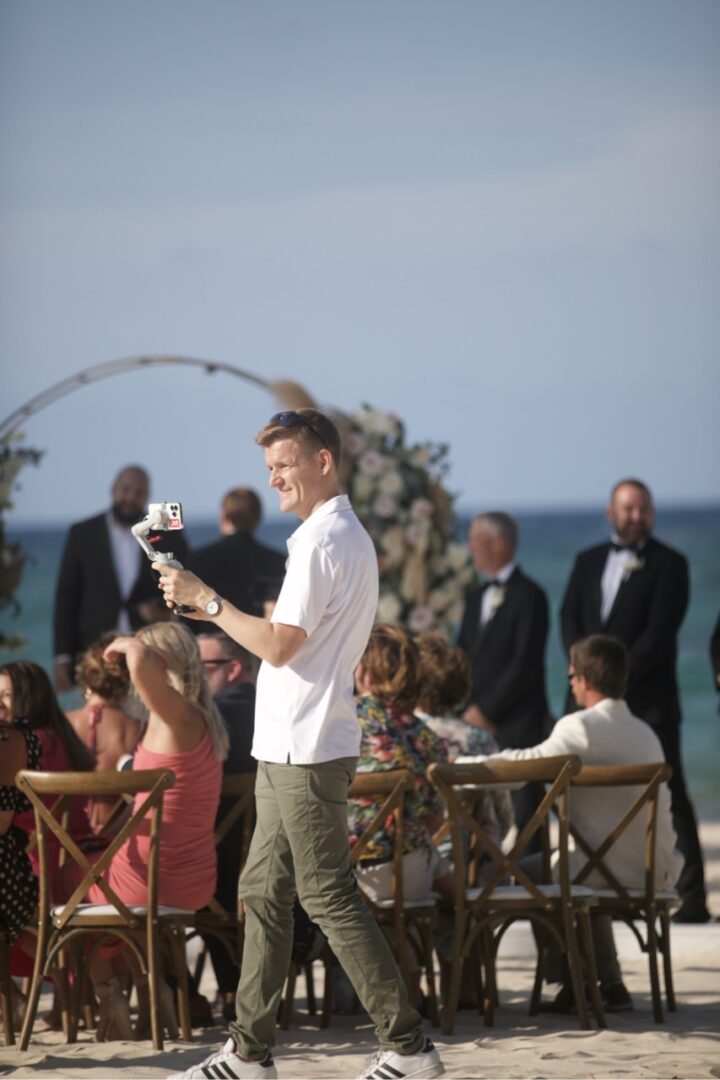
It’s crucial to test your set-up at your venue, on the device you will be using. Take advantage of the free test with EventLive and once you are happy, there is a one-time fee so you are good to go!
Be sure to test:
So you have your streaming app, the right equipment, you’ve run a test and have a handy helper – next up you want your virtual guests to be there!
There are different ways to share with them your link:
Sharing the link digitally makes sense, as it’s a simple click-through for guests. EventLive makes the landing page so lovely too with its customisable options. Guests will know they’re in the right place and will feel really special with such a personalised experience.
With EventLive you choose who you share the ceremony with on a private link. There are no ads or no logins required. Your guests can also receive automatic email reminders 24 hours and 1 hour before your ceremony. Plus a notification when you go live – which can be multiple times during your whole wedding day. The link should work across platforms, devices and browsers.
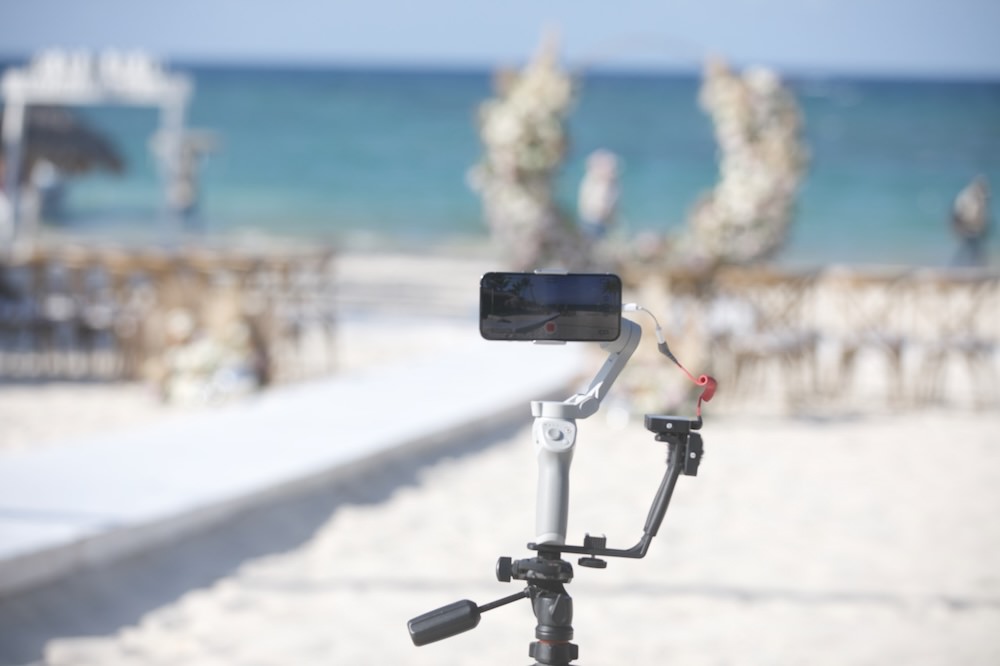
Thanks to the EventLive app you can download and share the video footage for 1 year after the wedding. Isn’t that lovely? So you and your guests can relive and soak up those precious memories.
That’s not to mention, that you can download the online guestbook too to see the messages and comments that were sent whilst you said I do. Plus reply to any comments and really personalise your guest’s experience.
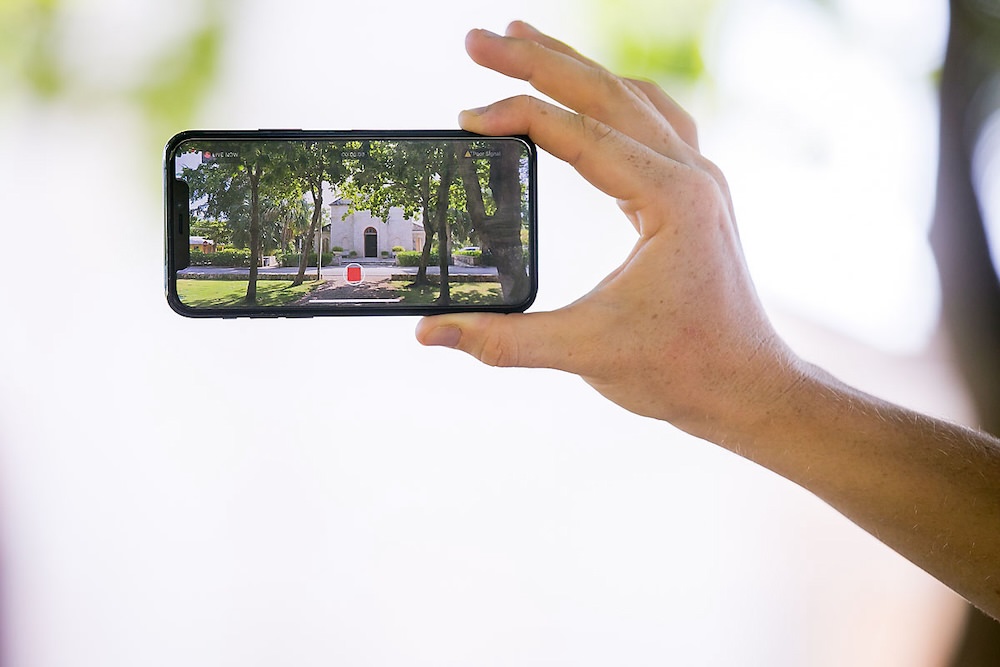
After all, when the confetti has settled, what’s left are the memories, the footage and the photos. So be sure to carefully consider your options before the day to be able to capture and treasure your day forever.
And that's a wrap! We've looked at the brilliant EventLive app and worked out step-by-step, just how to set up and pull off a flawless live stream of your wedding. Hooray!
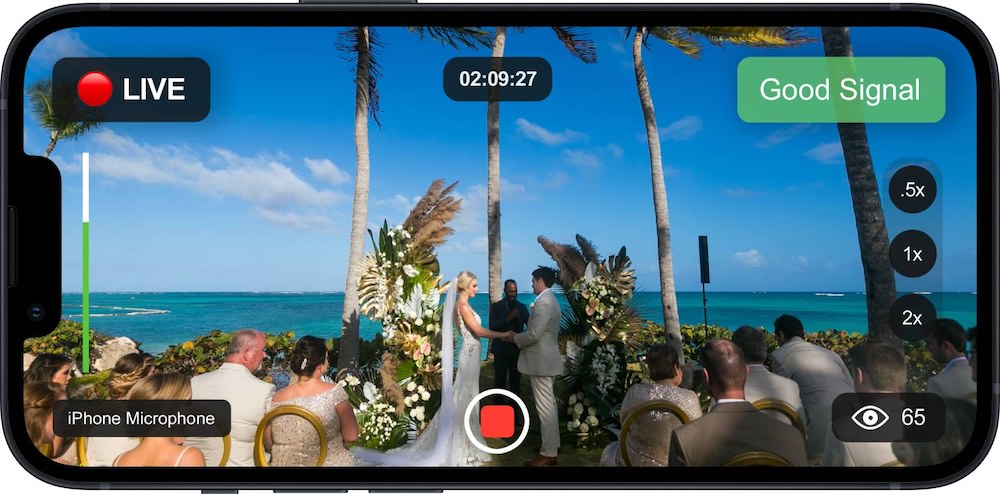
Images by Julia Eskin Photography

Proposed Changes to UK Marriage Laws: What You Need to Know The government has announced what it calls the biggest overhaul of marriage laws in England and Wales since the 19th century. The proposals aim to make weddings more flexible, boost the hospitality industry, and give couples more choice over where and how they marry. […]
Read More
One of the first decisions couples face when planning their wedding is whether to invite kids. Children can bring something special to the event and might even have their own roles as ring bearers or flower girls, but they also come with extra planning considerations. There’s no right or wrong answer. It’s your wedding after […]
Read MoreYou May Also Like
Explore more posts from the blog
Want In On Our Happy Wedding Letter?
Join over a thousand engaged couples (and counting) who have snagged our fun no-nonsense regular wedding advice and inspo straight to their inbox. Plus you'll get planning checklists & spreadsheets for absolutely nada.
© 2010 - 2026. Whimsical Wonderland Weddings Ltd & Wedissimo Ltd. All Rights Reserved.



Leave a Reply