
 Home
Home
 Weddings
 Ideas
Ideas
 Advice
 Suppliers
The Whole Works
The Whole Works

By Louise Baltruschat Hollis
It’s totally understandable if you are thinking of having an unplugged wedding. More and more wedding photos can be seen filled with guests holding up devices and flooding social media with photos immediately.
No matter your reasons behind wanting an unplugged wedding, I am going to reveal just how to organise an unplugged wedding and share some gorgeous, yet polite unplugged wedding signs to help you plan yours. Yes!
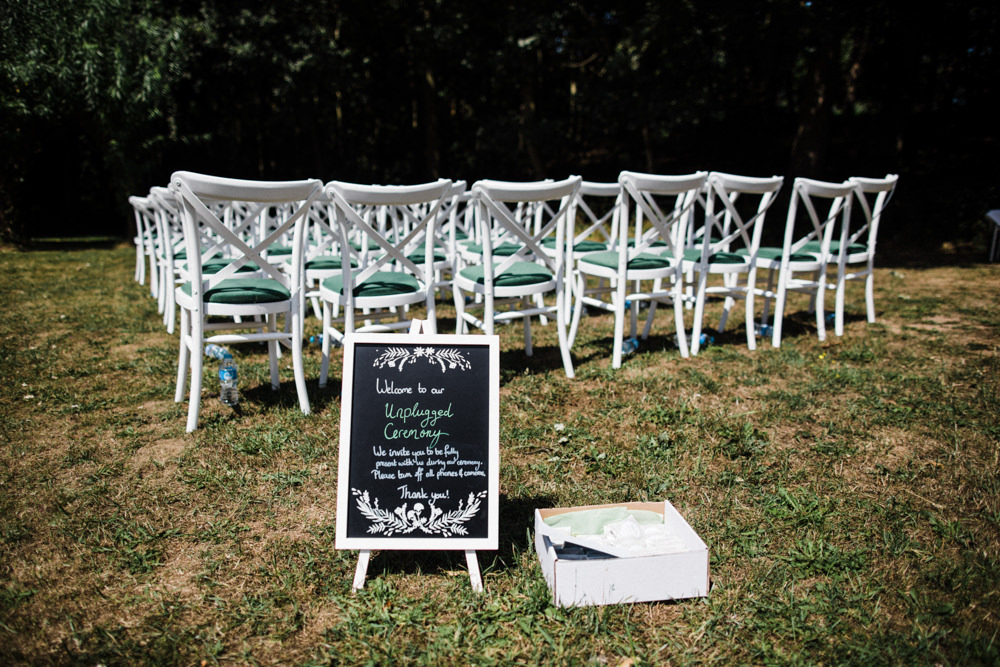 Photo: Through the Woods We Ran Photography via Colourful Mexican Wedding
Skip To
An unplugged wedding is where guests are asked to put away their cameras, tablets and phones. This ensures that guests are fully present. And it also means the professional photos aren’t full of a sea of phones and cameras during the ceremony and sometimes the reception too.
There are some really great pros of having an unplugged wedding:
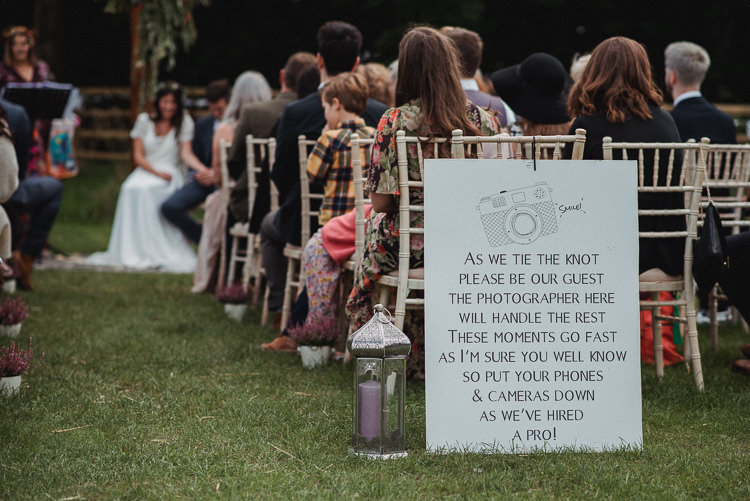 Image Esme Mai via Bohemian Festival Tipi Wedding
There are so many fantastic and easy ways to ask guests to turn off their devices politely. Consider these options:
Now we’ve covered just what an unplugged wedding is, I’ve got some glorious unplugged sign and wording ideas for you! Dive on in…
A lovely rustic yet modern wooden sign with a short and sweet message.
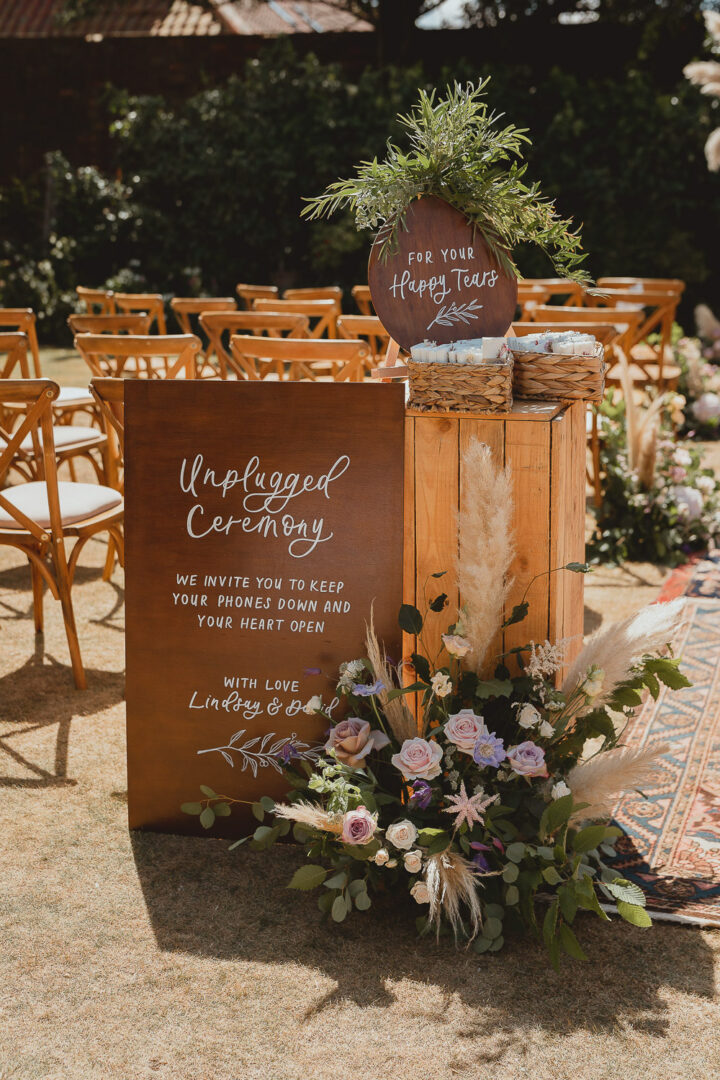 Photo: Georgia Rachael via Norfolk Beach Wedding Sign: The Little Lending Company
Pop a simple and easy-to-read black and white sign on an easel for all to see.
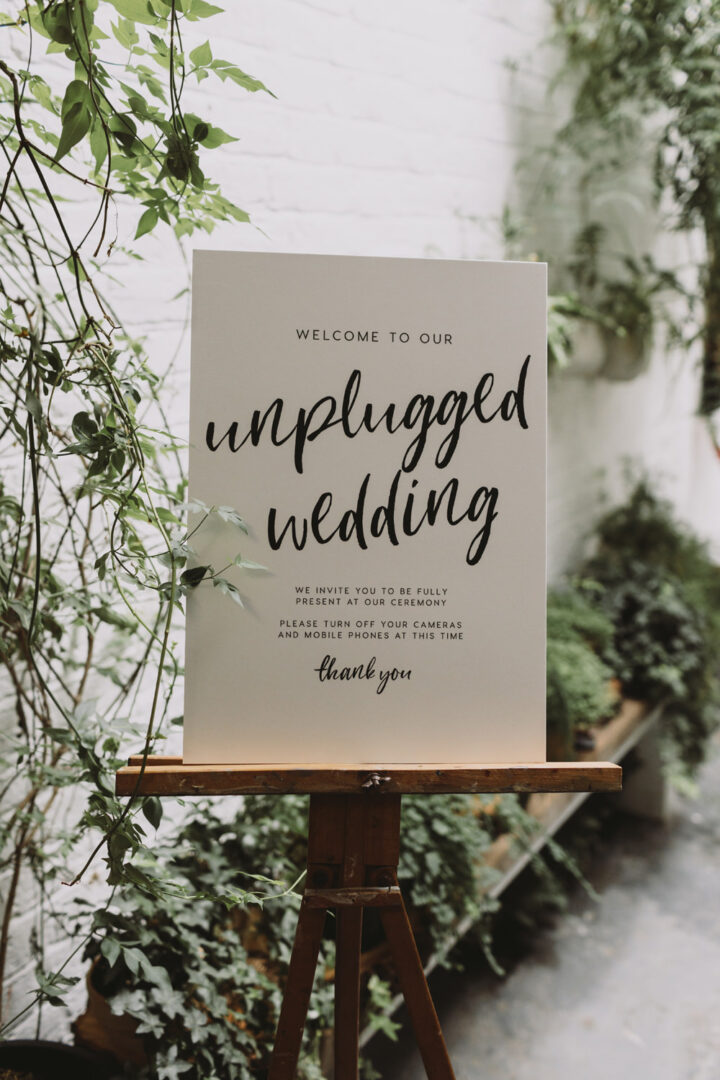 Photo: Luke Hayden Photography via Tram House Wedding
Add a sign to the entryway at your ceremony, there may well be a table already in place you could use.
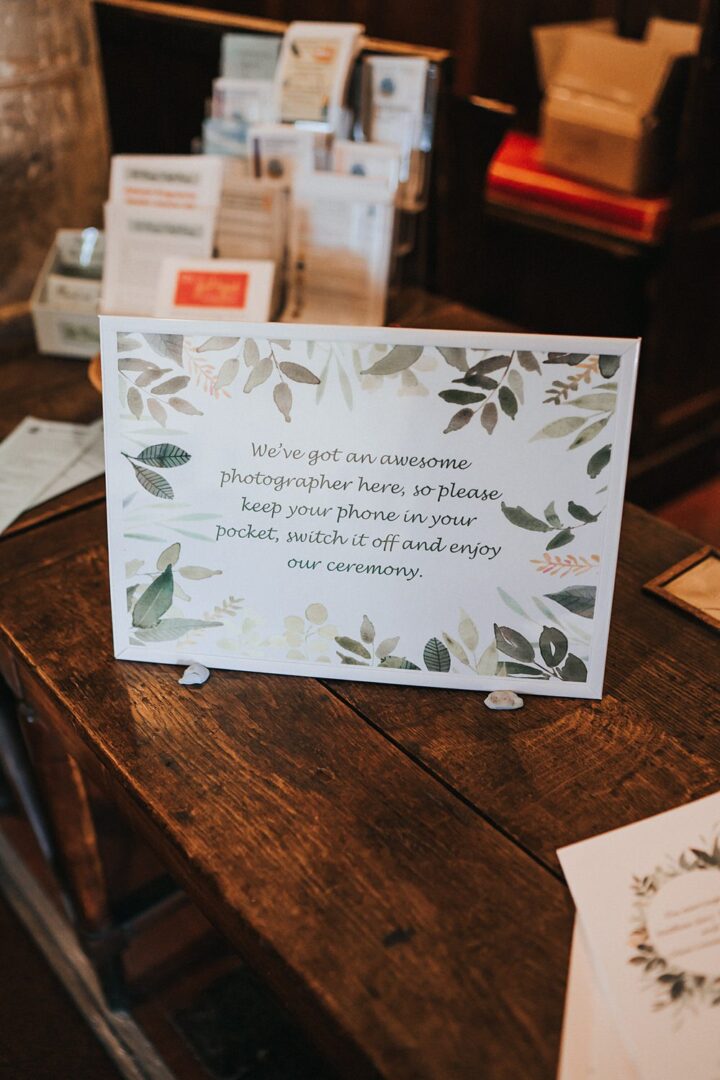 Photo: Holly Rose Weddings via Kent Village Hall Wedding
Handwrite your own DIY unplugged poster sign using the words of your choice. Budget-friendly and beautiful.
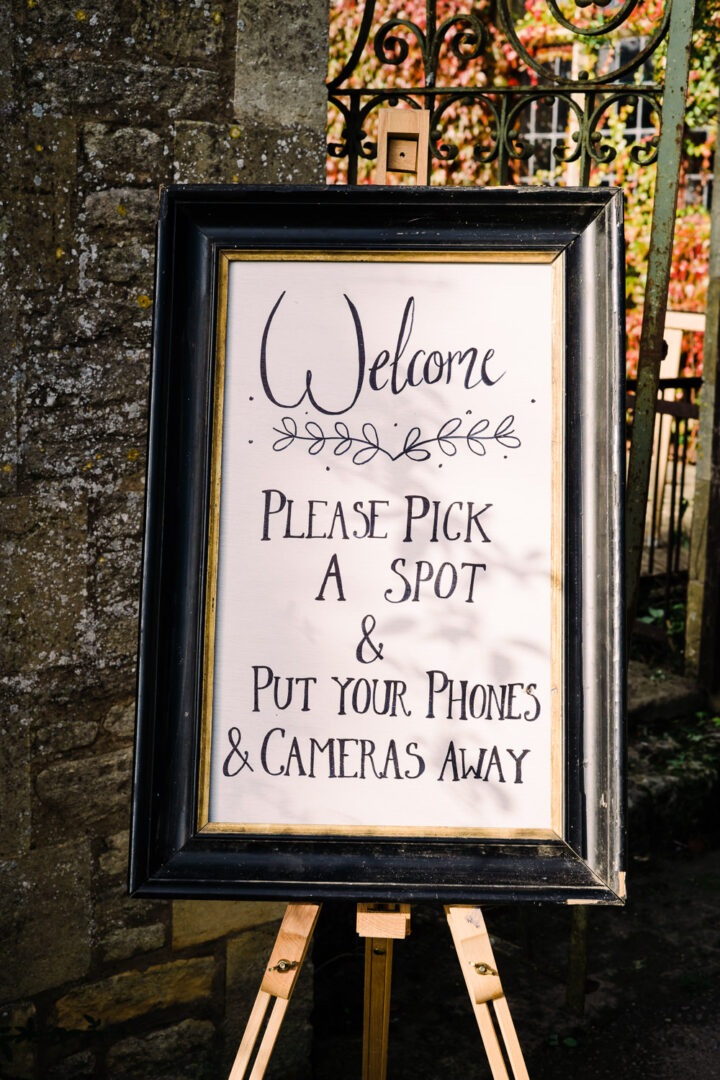 Photo: Jade Touron Photography via Luckley Farm Holidays Wedding
Bring your wedding signs in line with your stationery style for a cohesive look.
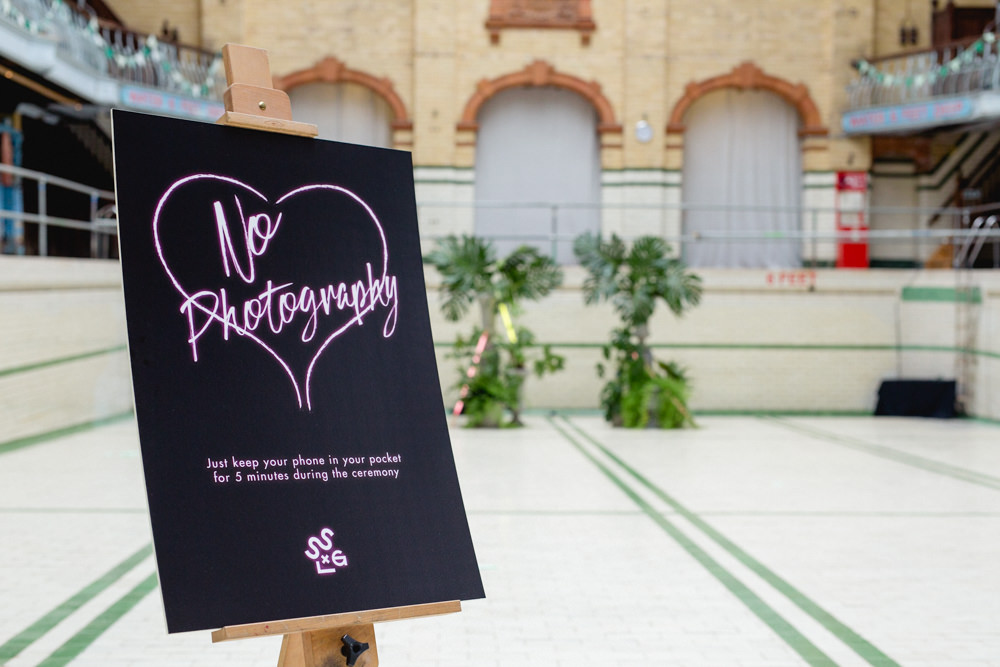 Photo: Mark Newton Weddings via Victoria Baths Wedding
Pop a sign outdoors on the lawn as guests arrive they can read it.
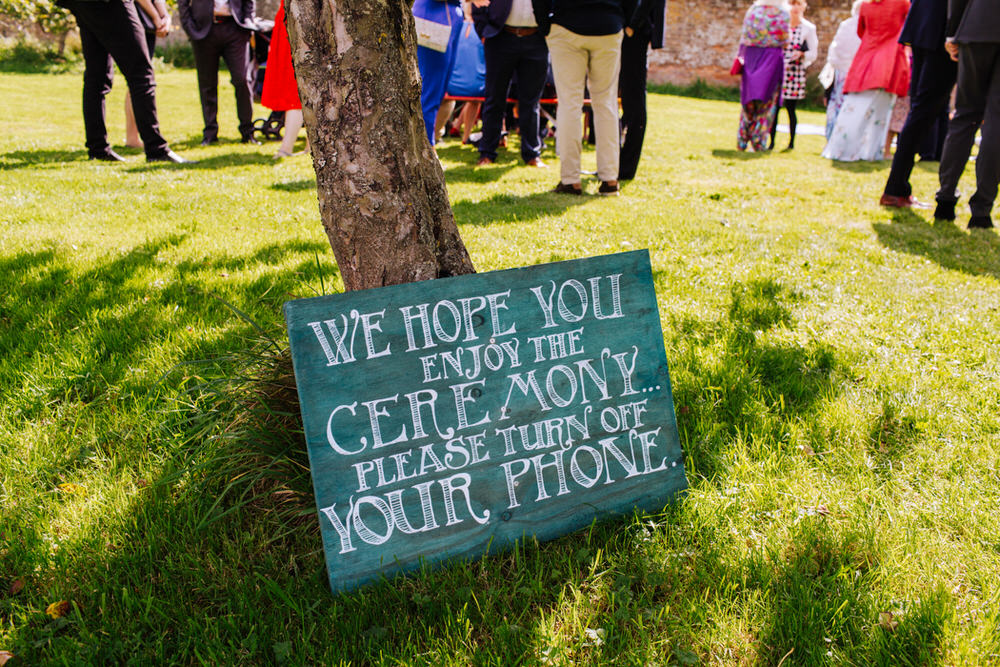 Photo: Yvonne Lishman via Sussex Rainbow Wedding
Unplugged signs can be small, but be aware that not everyone may see them. So be sure to place it in a high-visibility area.
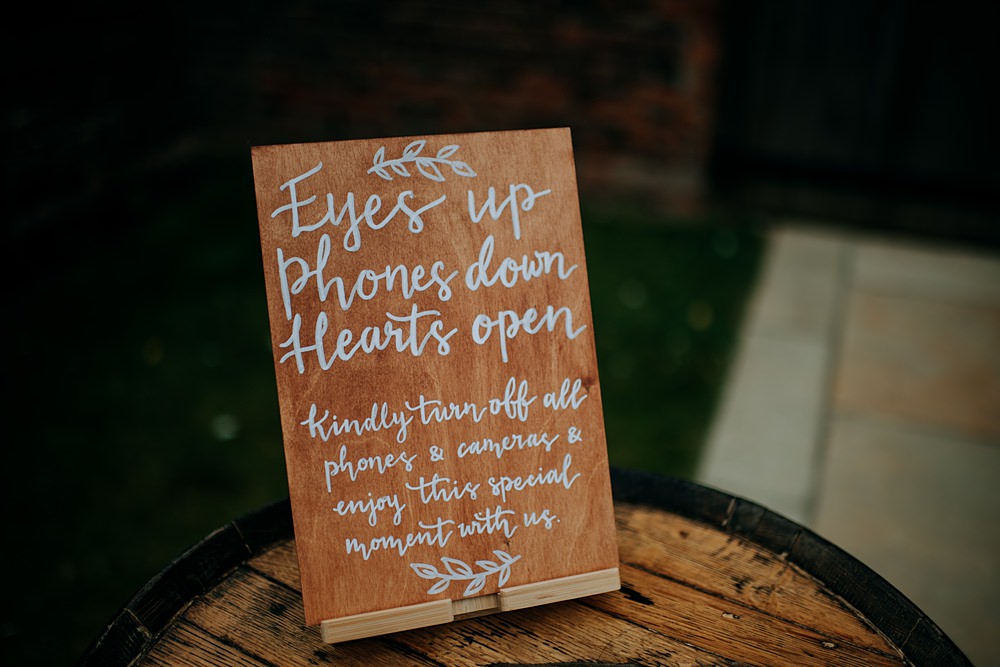 Photo: Kazooieloki Photography via Pampas Grass Barn Wedding
Add an illustration to the text to really make your sign shine.
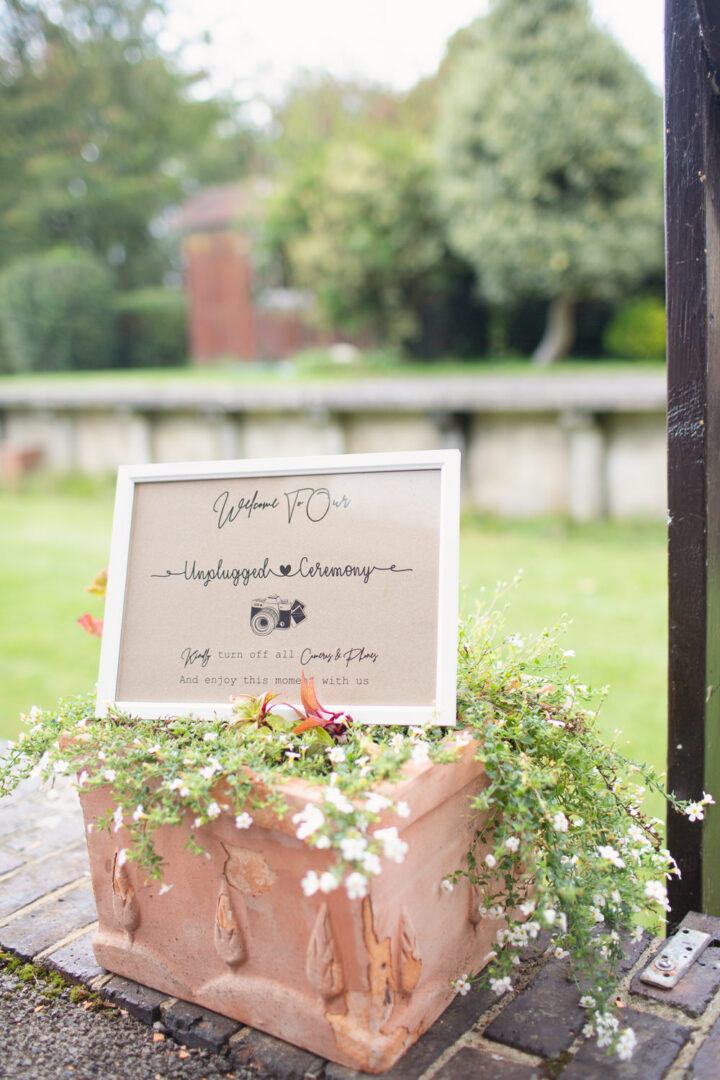 Photo: Cotton Candy Photography via Railway Station Wedding
Add flowers or decor to style your sign and make sure it’s easily spotted.
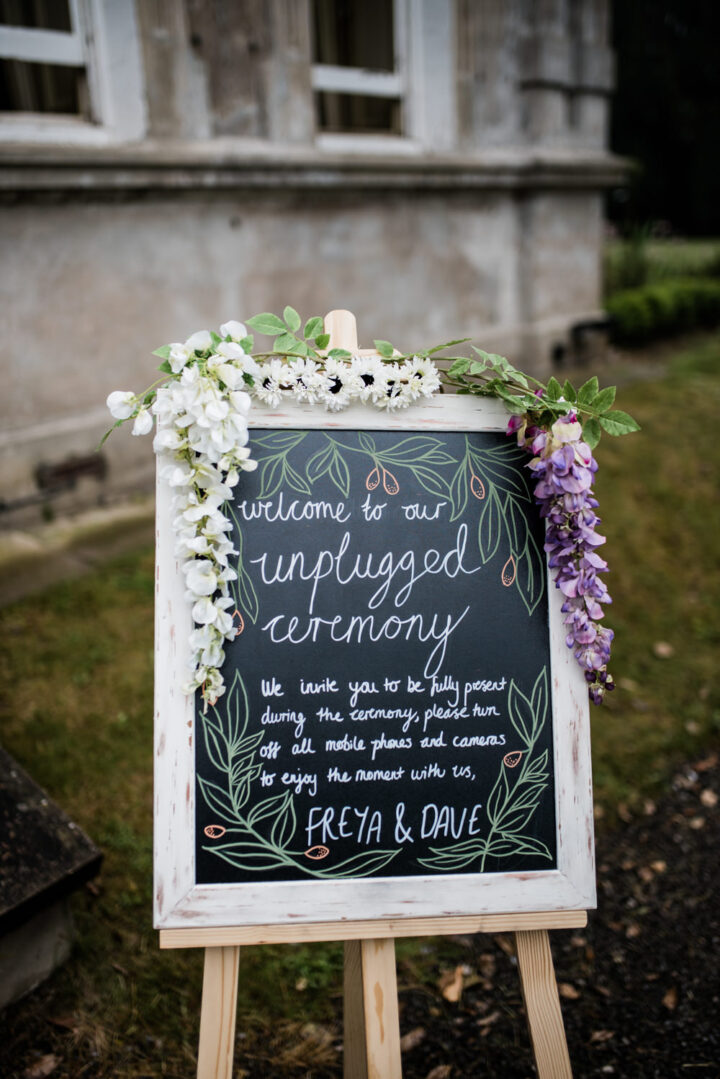 Photo: Kazooieloki Photography via Cleatham Hall Wedding
You can’t go wrong with a chalkboard sign. This sign asks guests to enjoy taking snaps during the day, but just not at the ceremony.
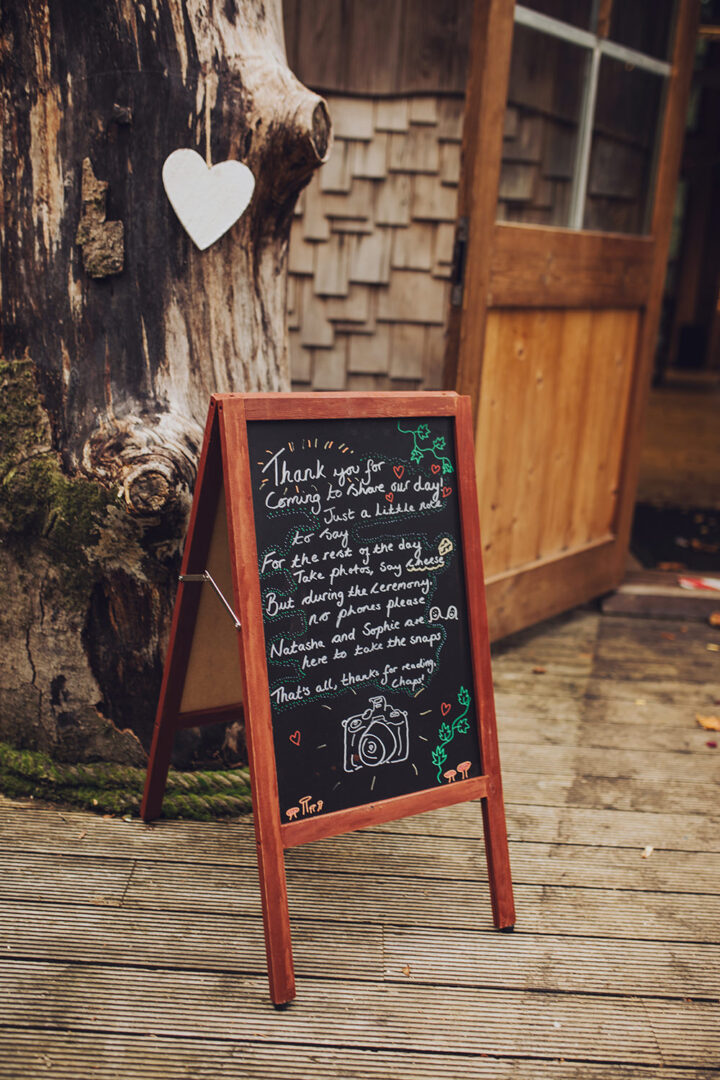 Photo: Honeydew Moments via Treehouse Wedding
If you have a felt board sign at home, bring it along to share your unplugged instructions. Sometimes, simple wording is all you need!
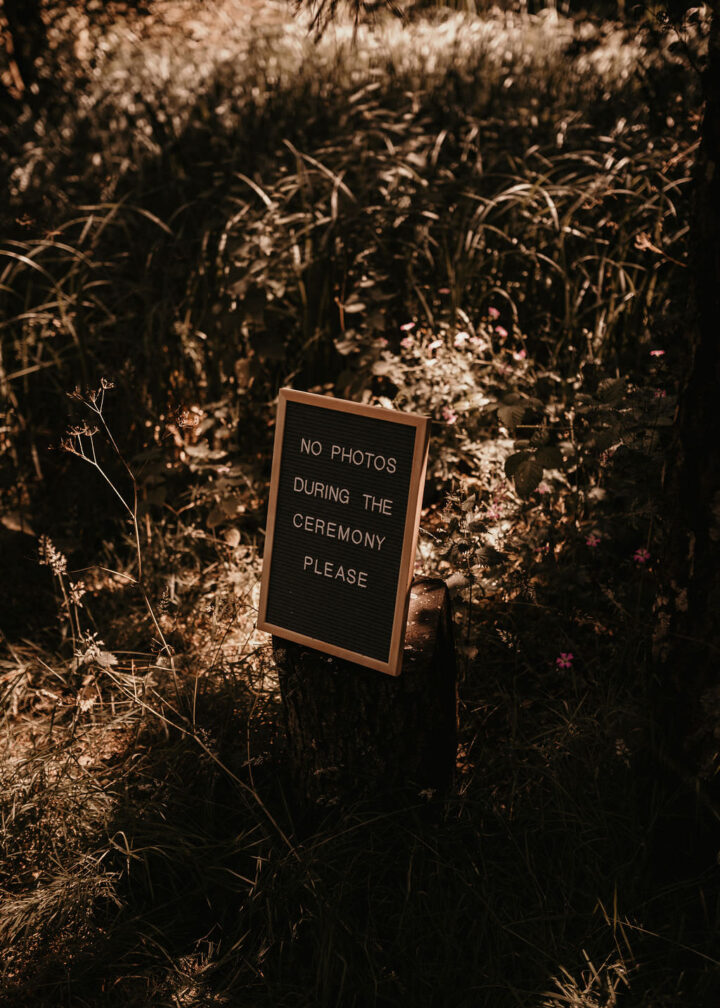 Photo: Photos By Hash via West Midlands Barn Wedding
Rhyming words have a musical and catchy feel that shows you’ve really put thought into your decision.
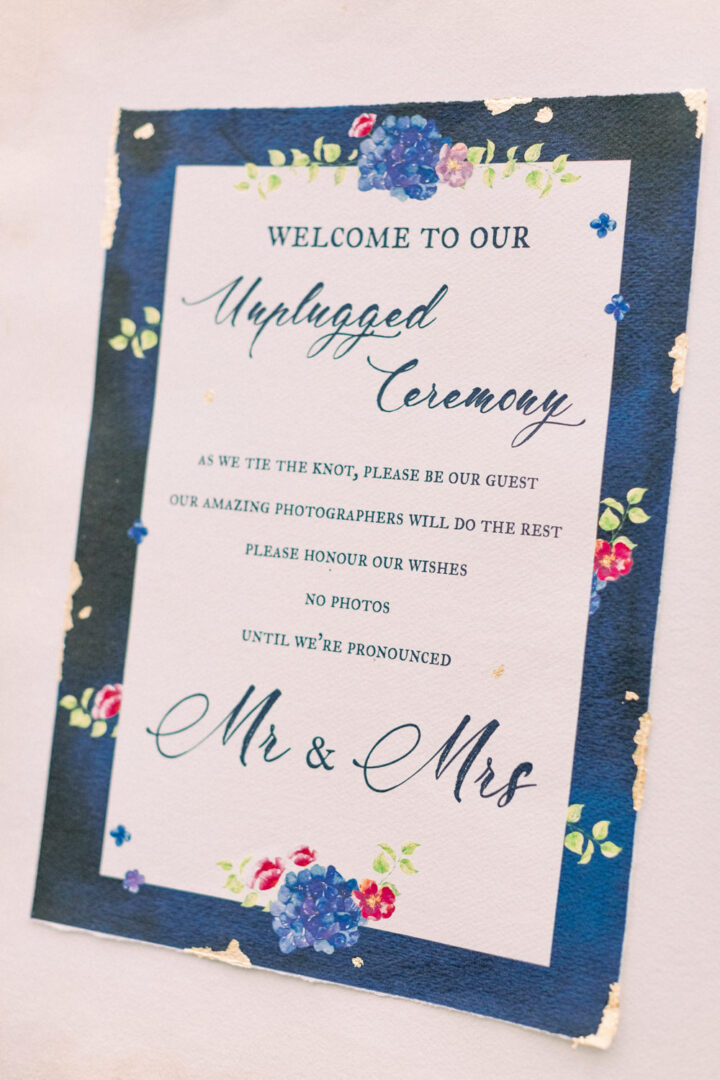 Photo: Sanshine Photography via Tortworth Court Wedding
Your venue may have signs you can borrow to write on, it’s definitely worth asking about to save time and money.
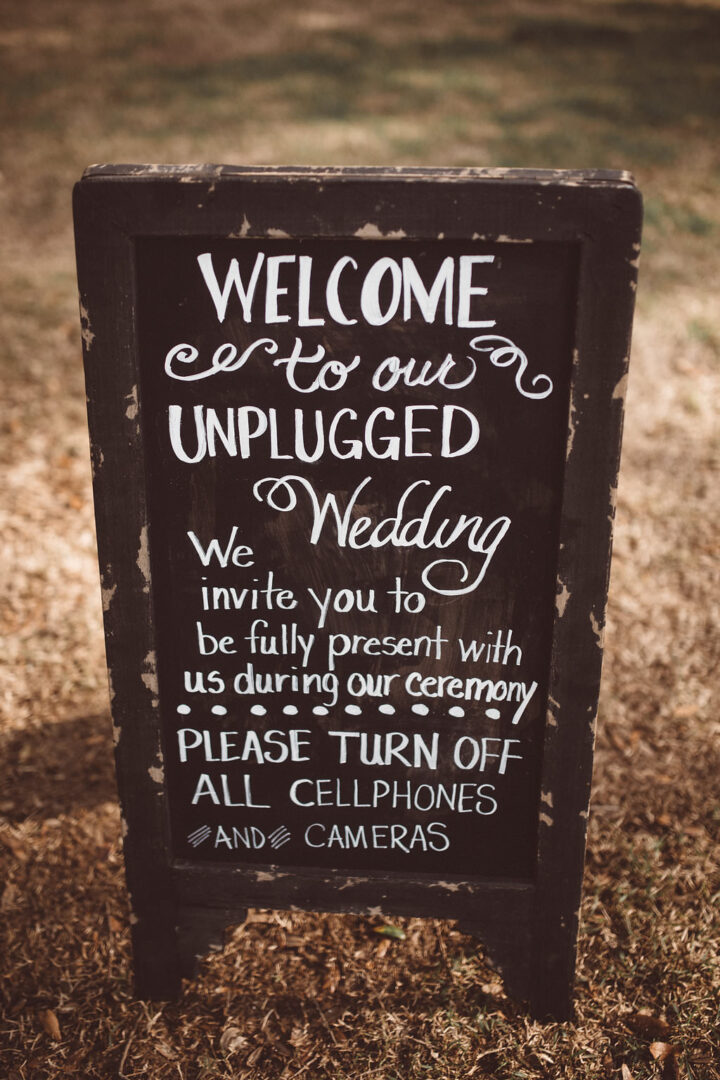 Photo: Katherine Dalton Photography via Charleston Wedding
For s super stylish sign, choose contrasting fonts for a pro finish.
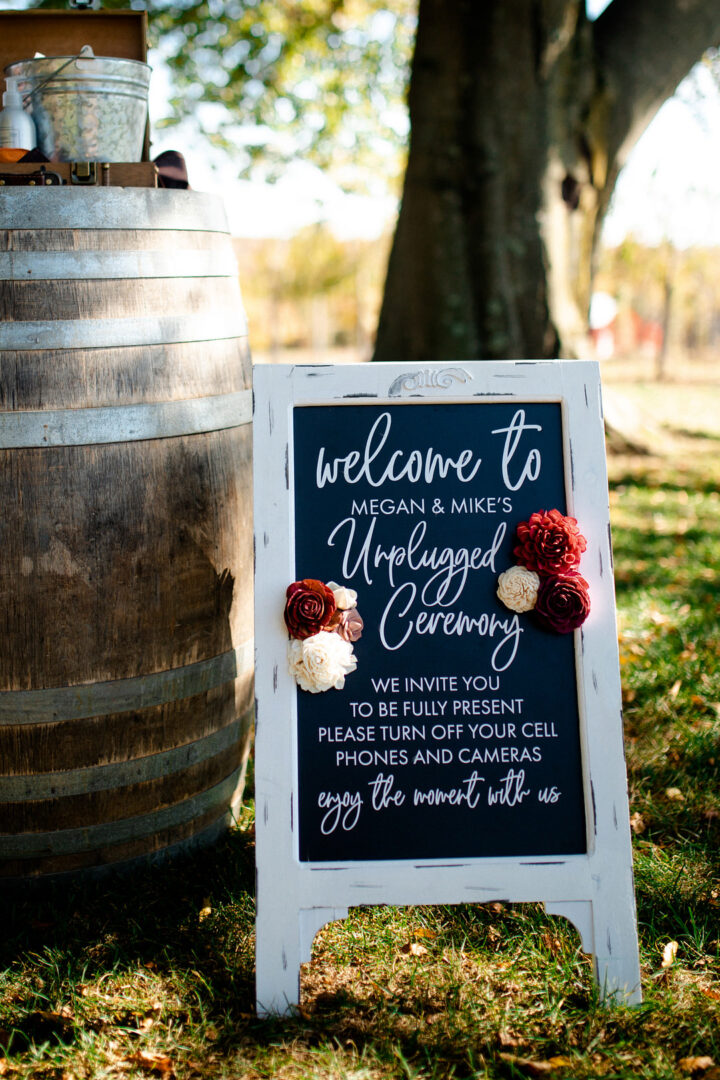 Photo: Alexa Frankovitch Photography via Pittsburgh Fall Wedding
Add your unplugged instructions to a mirror. You can keep it as a keepsake for after the wedding too.
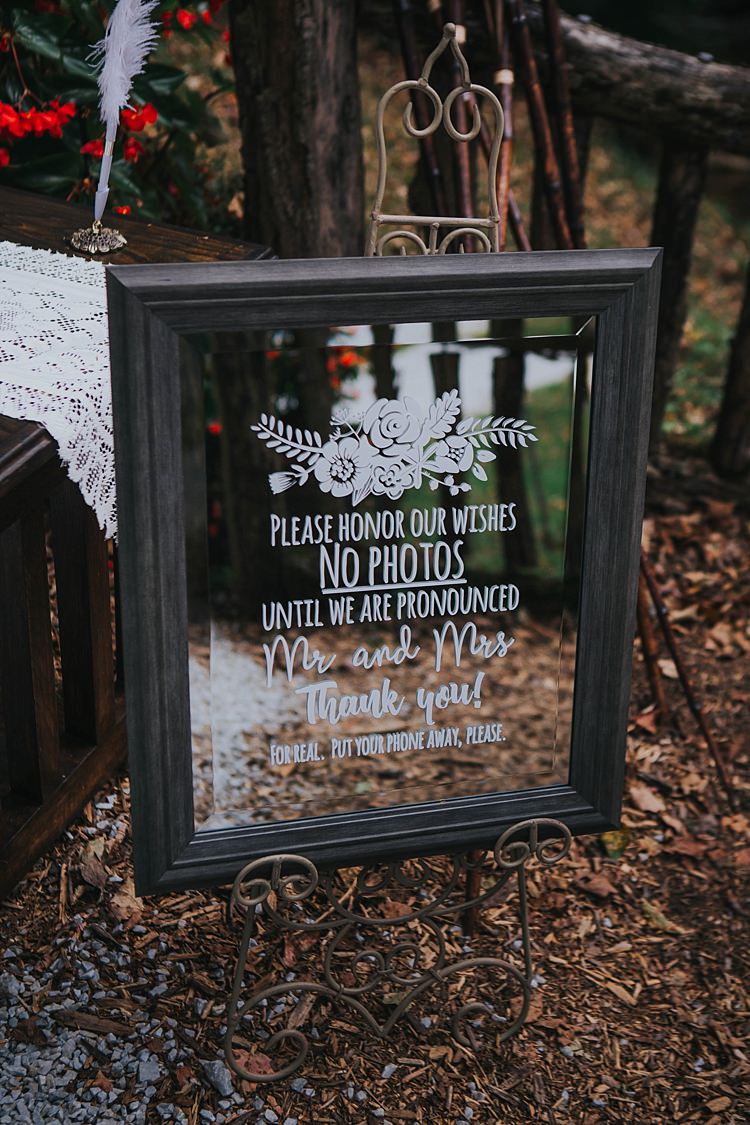 Image Taylor Parker Photography via Bohemian & Whimsical Garden Wedding in North Carolina
For a really striking sign, paint the back of an acrylic board and add lettering on the front.
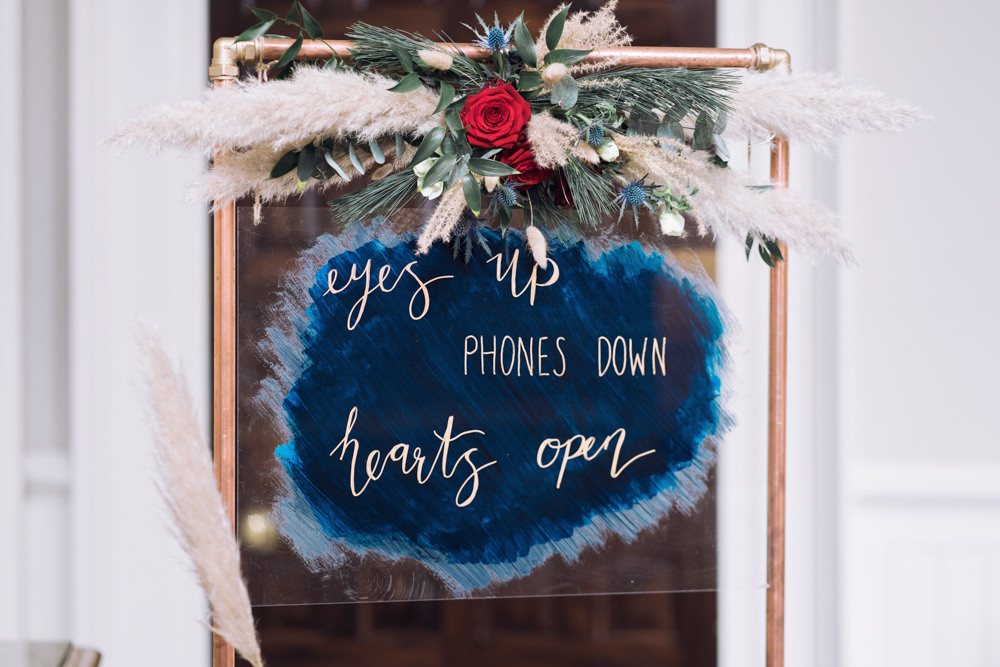 Photo: Jessica Raphael Photography via Decadent Christmas Wedding
Add an unplugged announcement on your wedding welcome sign.
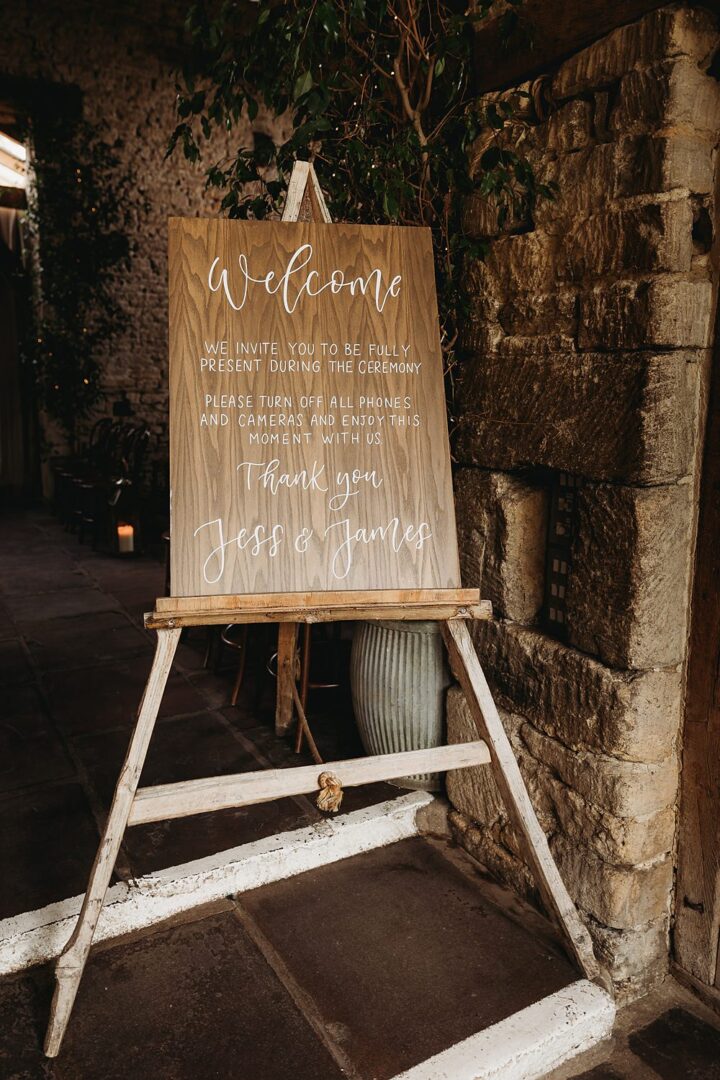 Photo: Thyme Lane Photography via Spring Country Garden Wedding Stationery: Bewilderly
You may also wish to add a note about your social media posting preferences too.
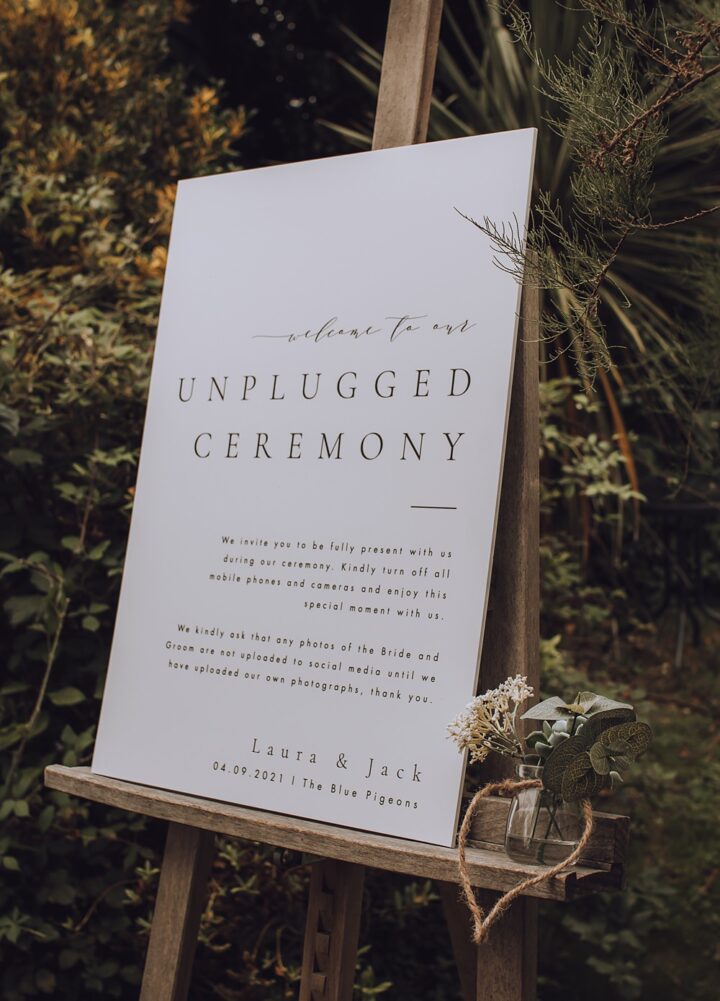 Photo: Charlotte Claricoat Photography via Blue Pigeons Wedding
Use a rope to attach to your sign and hang it in place.
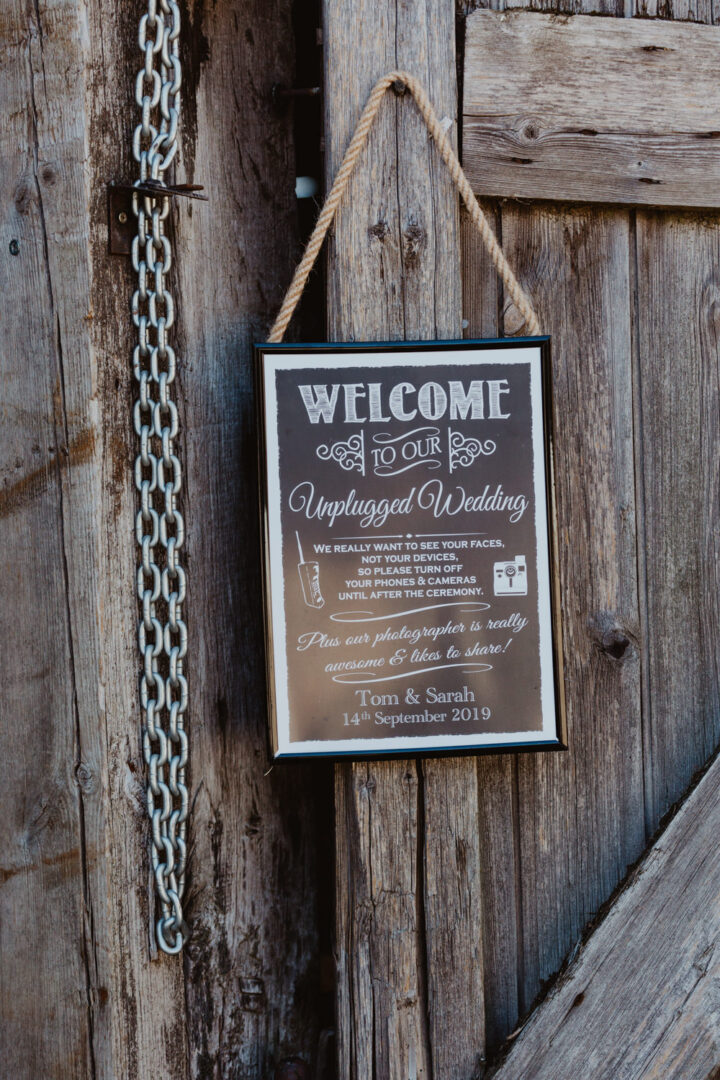 Photo: Stevie Jay Photography via Barns Lodge Farm Wedding
Using the word ‘invite’ is a nice way to make for a more gentle approach.
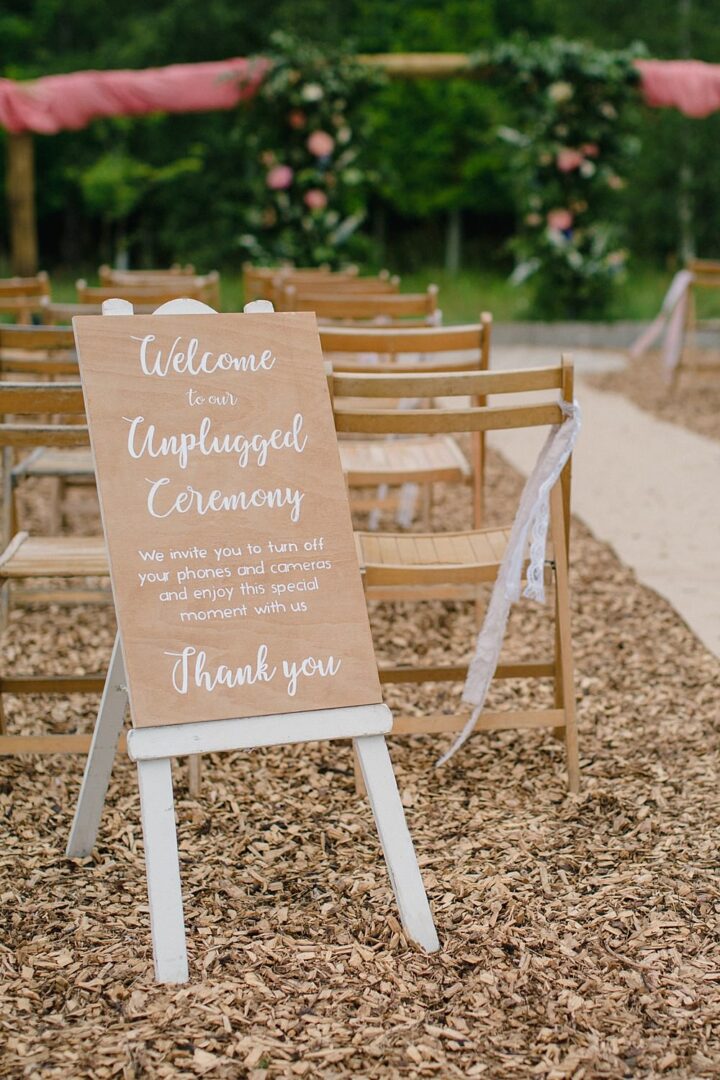 Photo: Vicky Plum Photography via Pet Wedding Ideas Sign: Humble Bee Studio
Share with your guests that your photographer is on hand to capture everything so they don’t worry about missing out on photos.
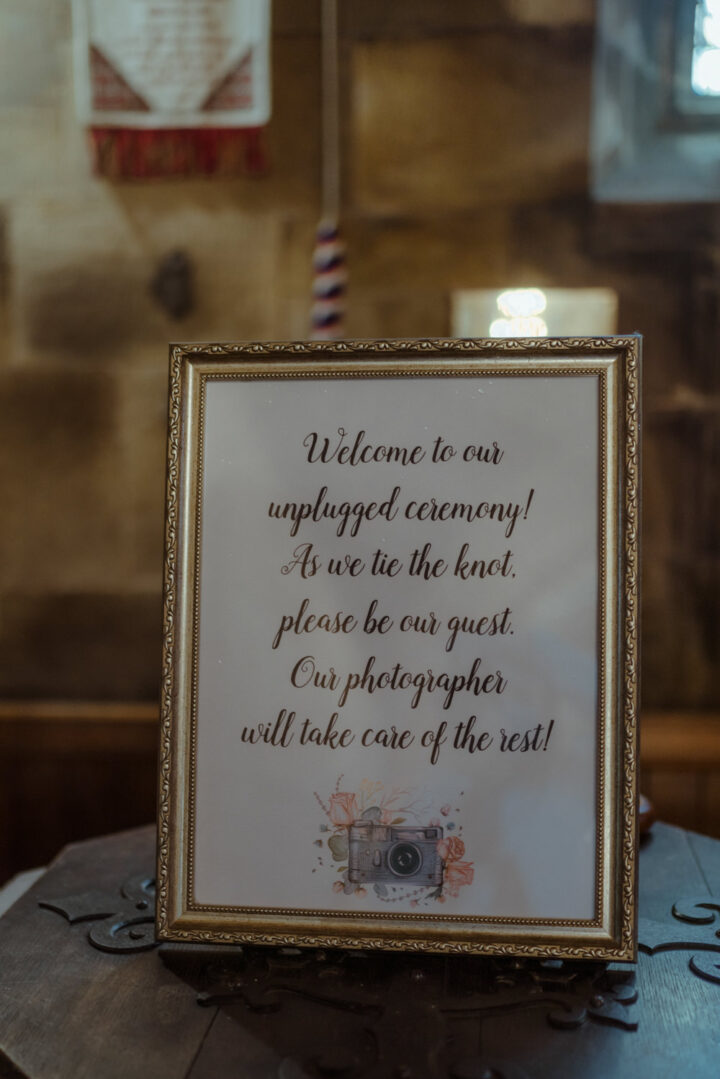 Photo: Belle Art Photography via Dalmahoy Hotel Wedding Stationery: Peachy Prints
Have two signs together in contrasting styles so they really stand out.
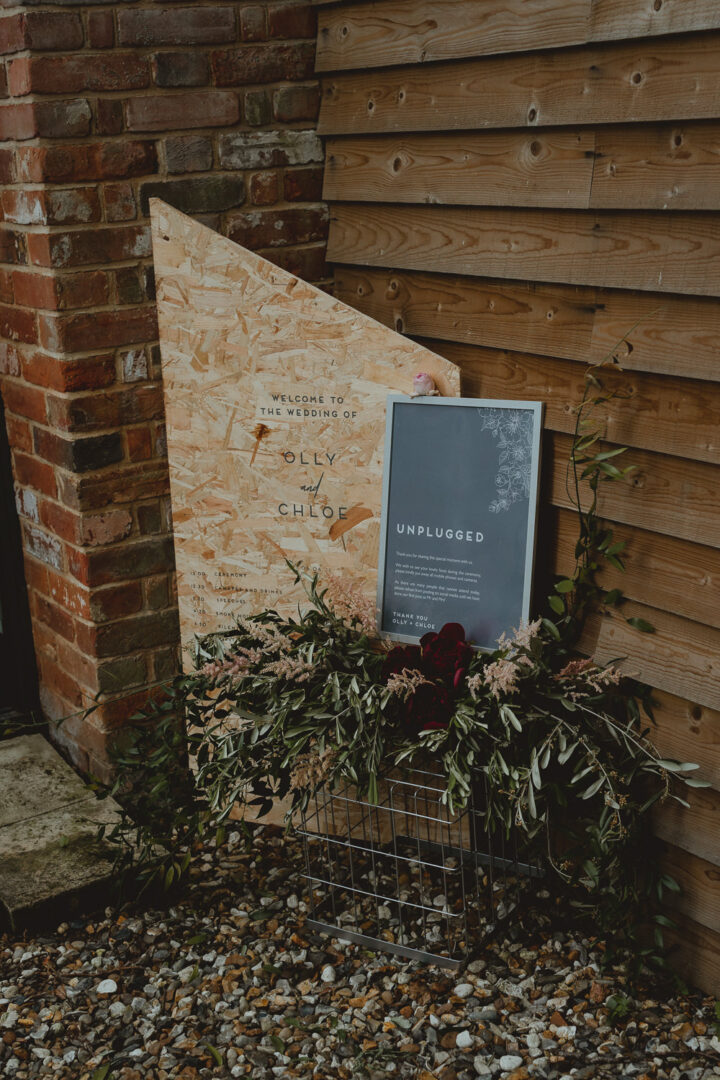 Photo: Georgia Rachael via Fishley Hall Wedding
Adding a thank you to guests for their cooperation is sure to be welcome.
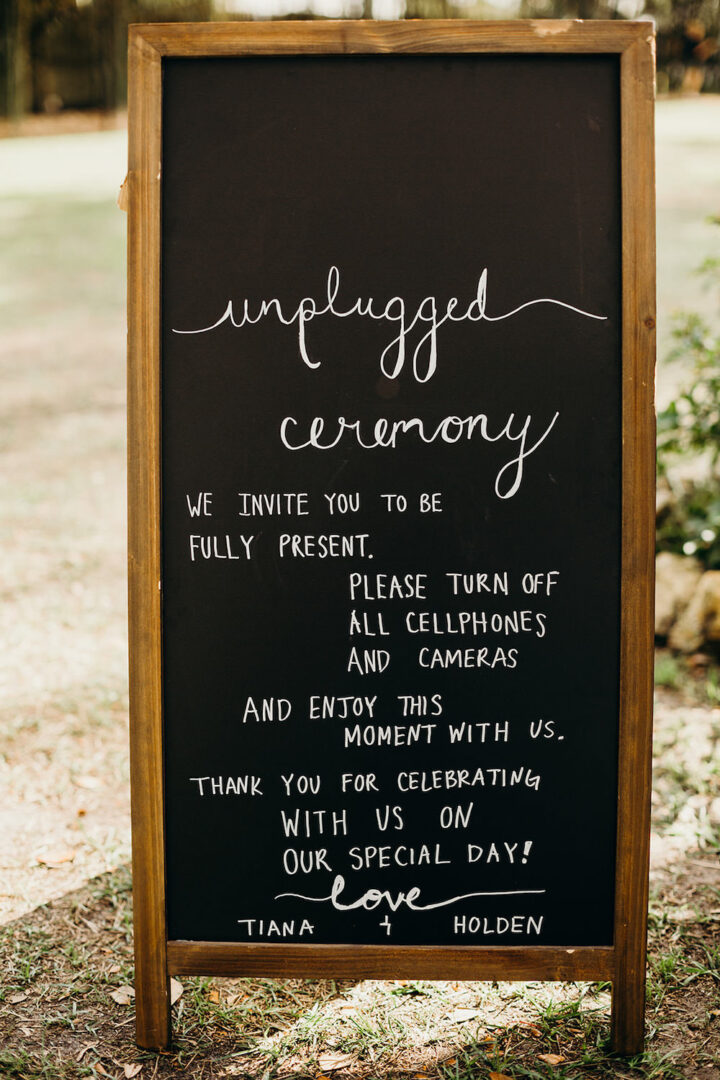 Photo: Dani Nichol Photography via Orlando Wedding
This couple asked guests to turn their phones off, this also helps to avoid unwanted pings and phone calls.
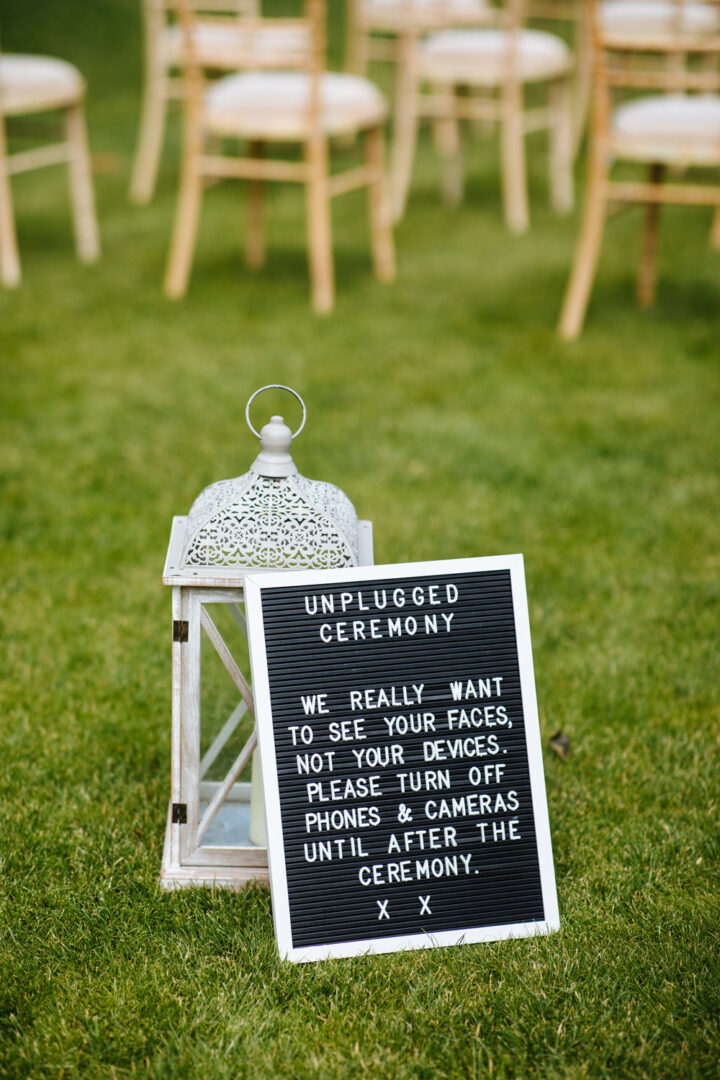 Photo: Laura Debourde Photography via Lynsted Park Wedding
Don’t be afraid to personalise your sign by adding your names and wedding date.
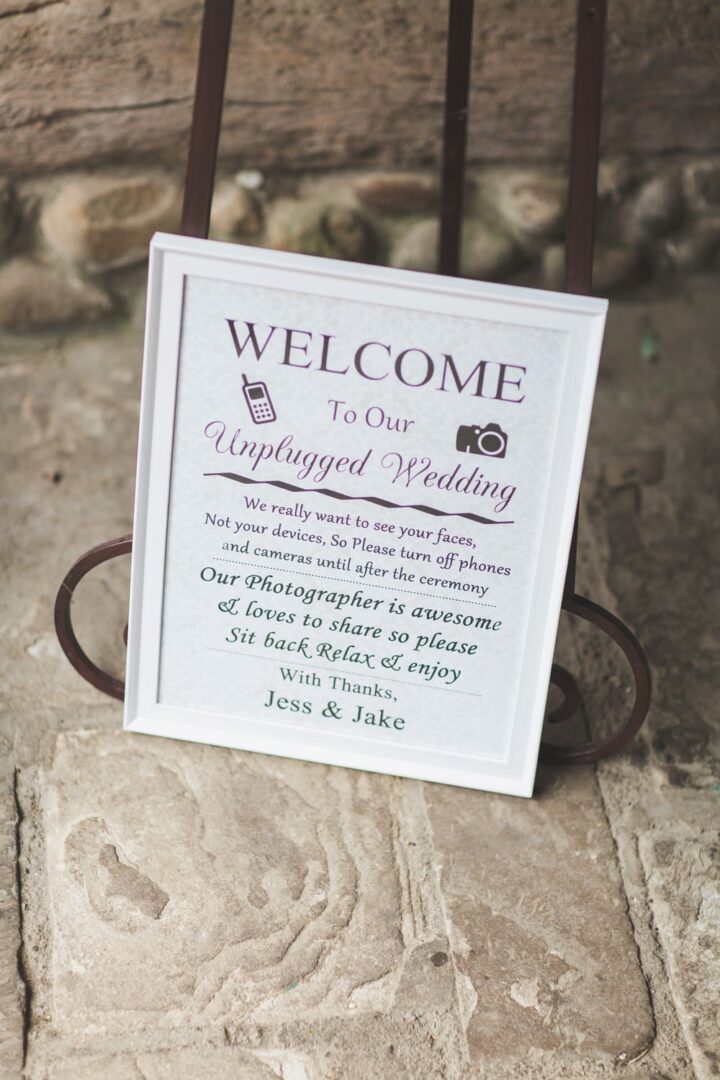 Photo: Milkbottle Photography via Priory Little Wymondley Wedding
This couple promised guests they’d share their photos with them from their photographer. This is a lovely option to ensure everyone remembers to check out the images.
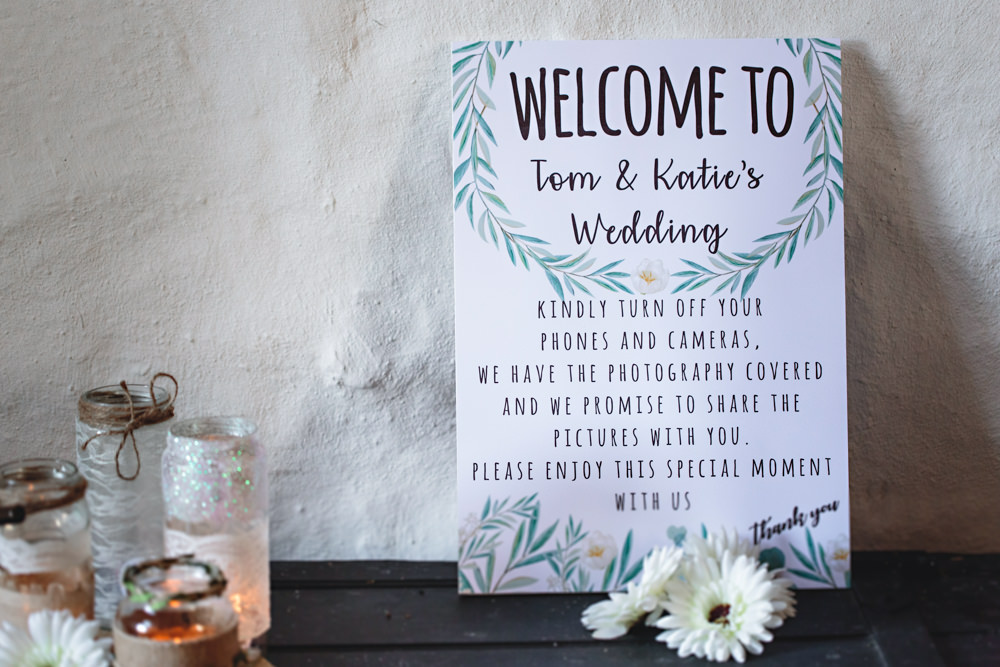 Photo: HBA Photography via Hall Farm Hotel Wedding
Pop your sign on your welcome drinks table, it won’t be forgotten!
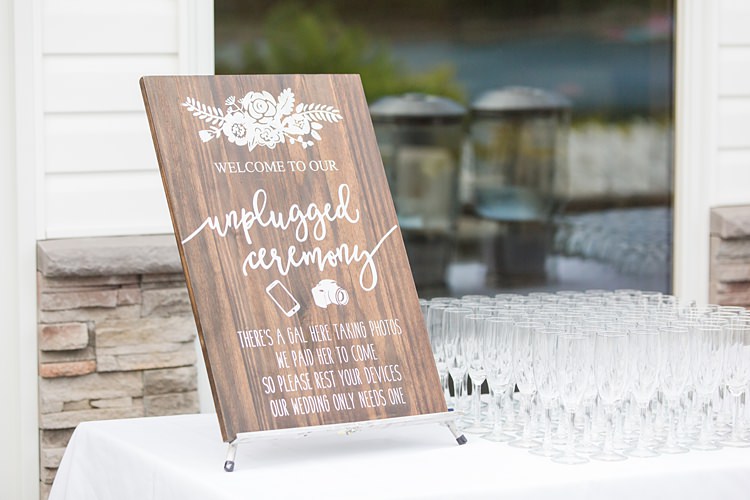 Photo: Something Blue by Susan Elizabeth via Coral Garden Wedding New Jersey
If you are having a ceremony booklet, add a message in there as guests read through it.
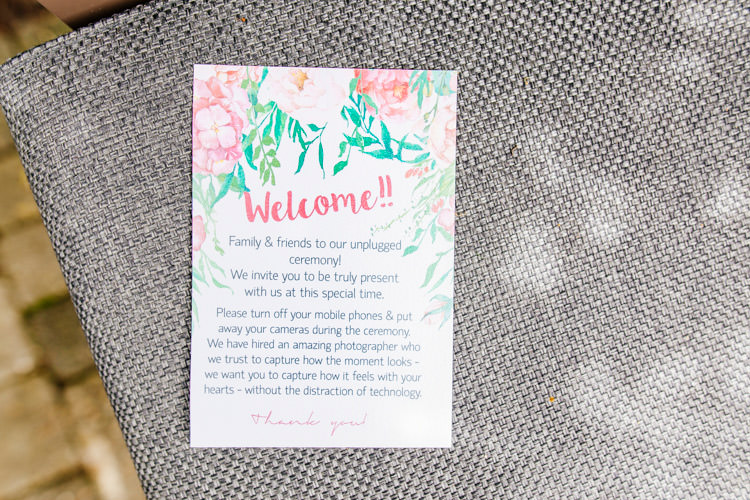 Image ELS Photography via Fresh Relaxed & Romantic Pink & Green Pub Wedding
When it comes to the reception, most couples don’t opt for an unplugged party. But, you may wish to do so. If so, bring your sign from the ceremony to your reception. Alternatively, you may have some ideas for social media posting or perhaps would like to create a special place for guest photos. Shall we take a peek?
When it comes to social media, folk tend to love it or loathe it. Now, if you fall into loathe it camp, you may not want guests to put any photos on social media. Especially if you aren’t even on there yourself.
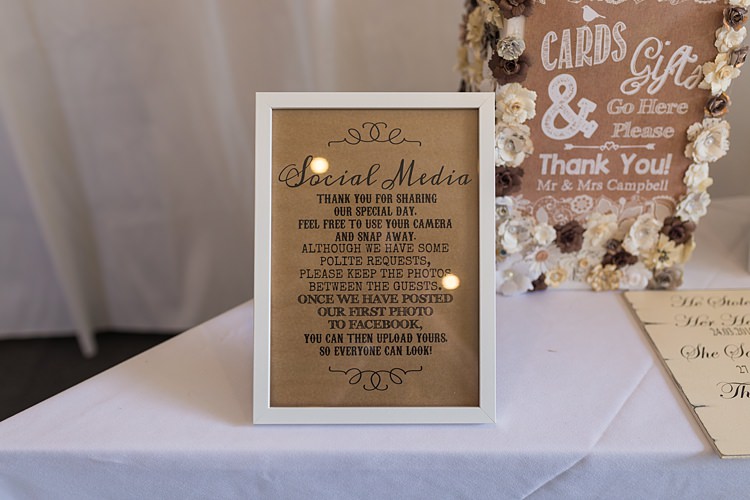 Photo: Jess Yarwood Photography via Big Stylish Outdoors Glamping Wedding
Or, if you are a social media fan, you may want to ask guests not to post until you have shared your exciting news, which is completely understandable.
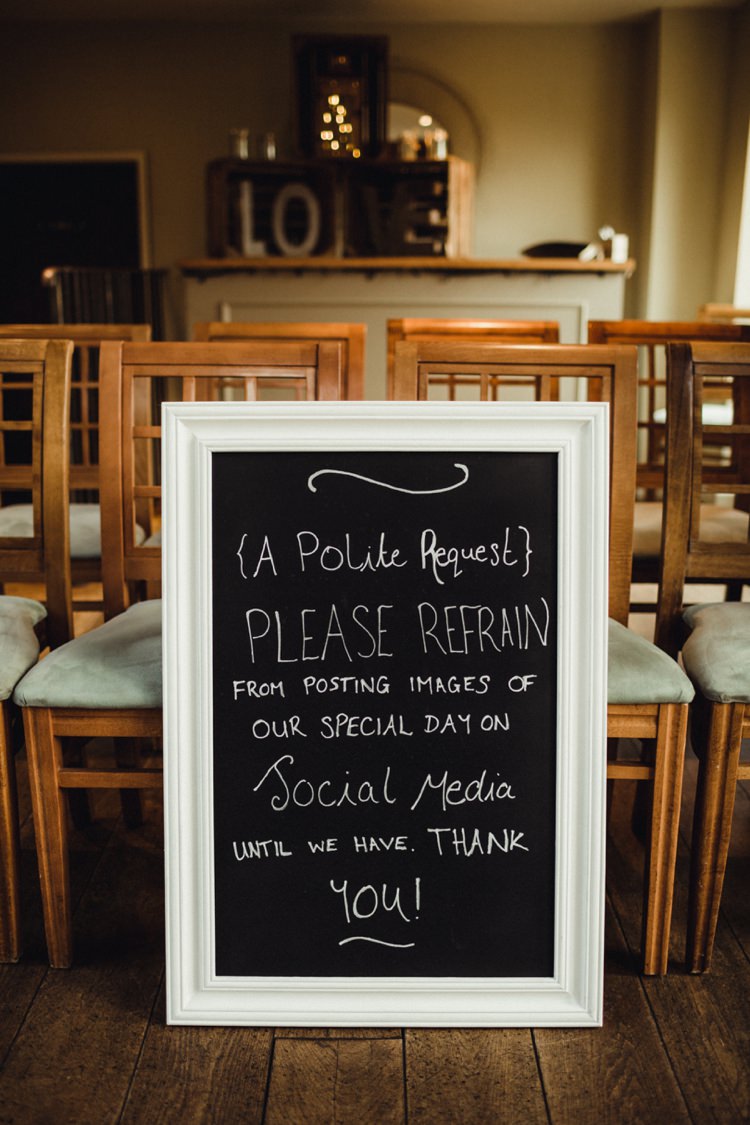 Image Ania Ames via Simple Rustic & Cosy Winter Wedding
It could actually be that you want your guests to take lots of photos at your reception and spread them widely. Perhaps you don’t want to miss anything and feel that candid guest shots are an important part of that.
You could ask guests to use a special wedding hashtag or a free photo-sharing app to gather photos and videos easily.
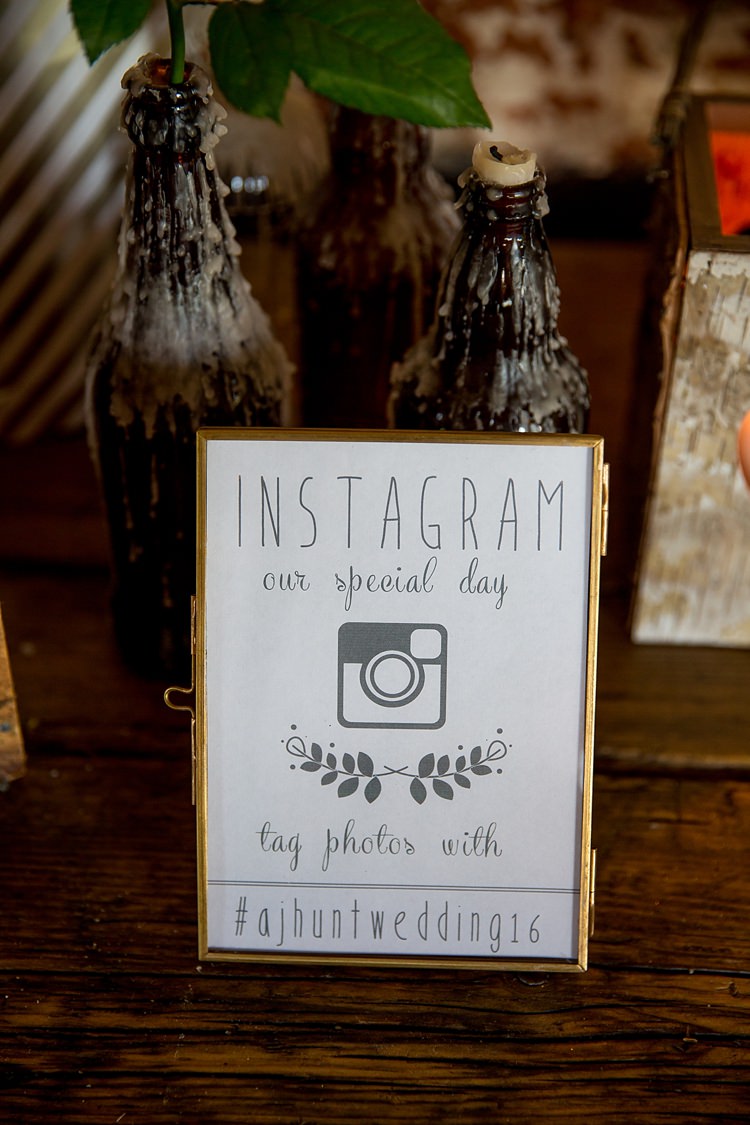 Image Katherine Ashdown via Pretty Meets Relaxed Countryside Wedding
Setting up a dedicated space for guest photos is a fun way to capture party memories. You can rent photo booths or set up your own for guest to take their own snaps. It can be so simple and has become a real reception staple.
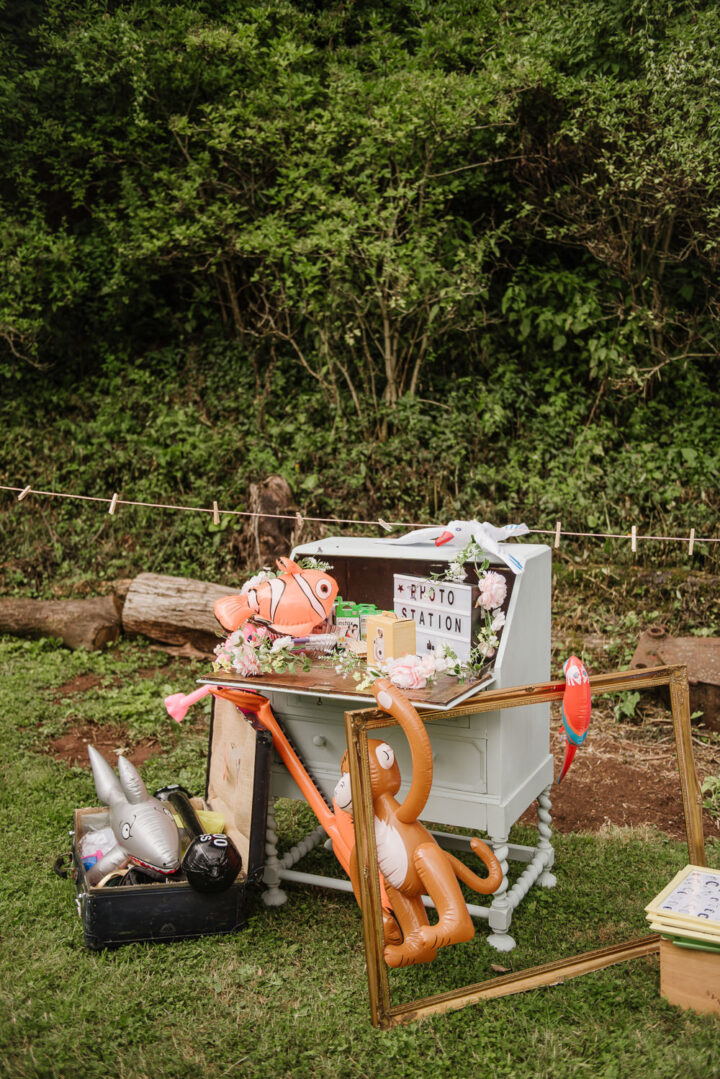 Photo: Charlie and Em Photography via Staffordshire Garden Wedding
Guests may be unhappy about your unplugged wedding. But guess what? This is your day and you make the rules. You may not get everyone doing as you asked but try not to let that affect your day. Laugh and move on.
It’s also worth asking your photographer for advice as they may have some tips that have worked at past weddings they’ve worked on. As well as checking with them if all your guests will be able to access your photos. Then pop a note on your sign to let guests know they’ll be able to download and keep the pro shots.
Make times for guests to take photos. That way everyone can take one at the same time and then put their phones away. This also allows your photographer an unobstructed view to do their job.
Where to set up staged guest shots?
That's a wrap! I've covered what an unplugged wedding is, how to create one, gorgeous unplugged sign inspiration and tips on unplugged receptions. Hooray!
This feature was originally written by Rachel and has since been updated by Lou to ensure it’s full of fresh ideas and content to inspire your day.
Proposed Changes to UK Marriage Laws: What You Need to Know The government has announced what it calls the biggest overhaul of marriage laws in England and Wales since the 19th century. The proposals aim to make weddings more flexible, boost the hospitality industry, and give couples more choice over where and how they marry. […]
Read More
One of the first decisions couples face when planning their wedding is whether to invite kids. Children can bring something special to the event and might even have their own roles as ring bearers or flower girls, but they also come with extra planning considerations. There’s no right or wrong answer. It’s your wedding after […]
Read MoreYou May Also Like
Explore more posts from the blog
Want In On Our Happy Wedding Letter?
Join over a thousand engaged couples (and counting) who have snagged our fun no-nonsense regular wedding advice and inspo straight to their inbox. Plus you'll get planning checklists & spreadsheets for absolutely nada.
© 2010 - 2026. Whimsical Wonderland Weddings Ltd & Wedissimo Ltd. All Rights Reserved.
Leave a Reply